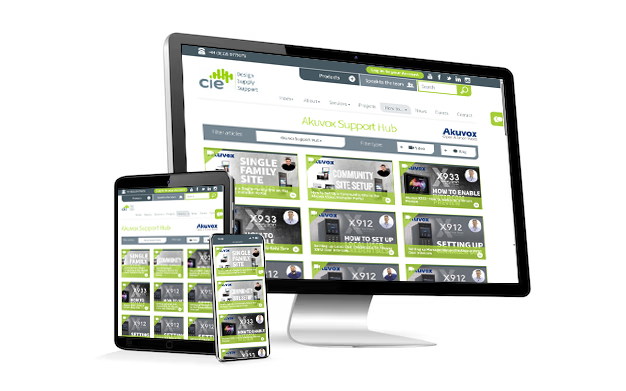
How to enable Config on Cloud / Auto Mode unlocking on your intercom
Step-by-step guide to set your indoor monitor’s Unlock button to use cloud relay control (Config on Cloud / Auto Mode), including soft key setup, saving changes, and testing.


Step-by-step guide to set your indoor monitor’s Unlock button to use cloud relay control (Config on Cloud / Auto Mode), including soft key setup, saving changes, and testing.
In this quick guide, the CIE technical team demonstrates how to change a relay on an Akuvox device from monostable (timed trigger) to bistable (toggle on/off) mode. This setup is particularly useful for gate automation where you want the relay to remain open until manually closed via app or PIN input.
The CIE Tech Team demonstrates how to set up contacts on the Akuvox X912 Touchscreen Door Intercom.
Setting up a community site – such as a block of apartments, multi-dwelling housing, or gated community – on the Akuvox Cloud Installer Portal is simple and flexible.
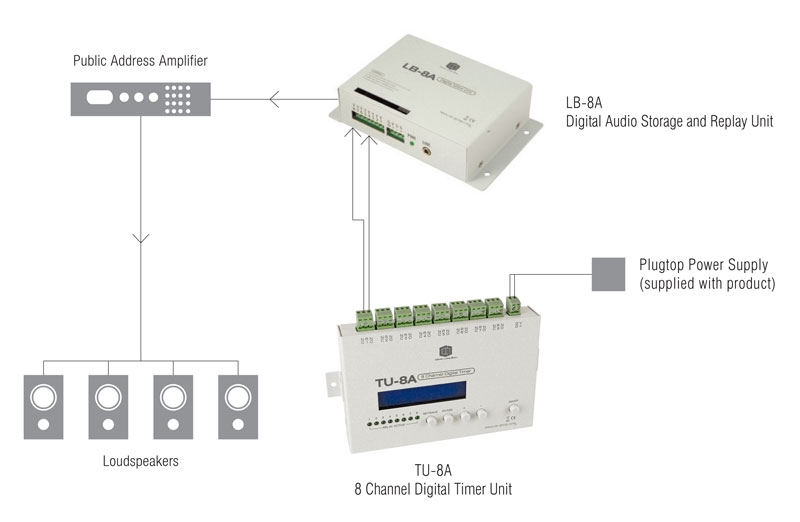
Clever Little Box TU-8A 8 Channel Digital Timer Unit for scheduled messages and tones in class change, staff change and audio messaging.
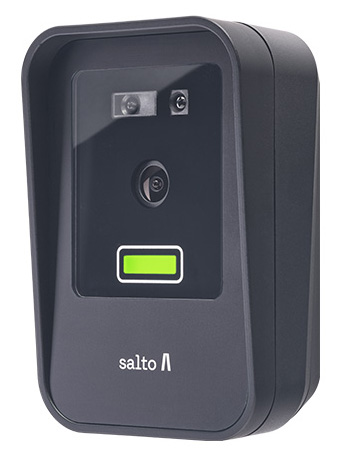
At the Security Event 2025 in Birmingham, Salto unveiled its latest face recognition reader as part of the Access range. Compact, secure and GDPR-compliant, the new Salto XS4-FACE Reader offers hands-free entry using advanced biometric authentication.
CIE’s Ashleigh Wilson demonstrates how to quickly and easily set up the Static IP Address from DHCP on the Akuvox X912 Door Intercom.
This guide shows you how to set up Access Methods for your Akuvox devices via the cloud’s advanced settings, allowing you to decide exactly how each relay can be unlocked for greater control over your security
CIE Tech Team demonstrates the features and functionality of the Admin Menu on the Akuvox X912 Touchscreen Door Intercom.
The CIE Tech Team demonstrates how to quickly and easily set up and remove Admin and RFID User cards on the Akuvox X912 Touchscreen Door Intercom.