


IP video surveillance system design & supply.
Smarter IP video surveillance systems, designed and supplied by experts. At CIE Group, we help installers, integrators and specifiers across the UK build smarter IP surveillance systems, with free design and configuration support, product demos and training, and product supply from leading manufacturers.
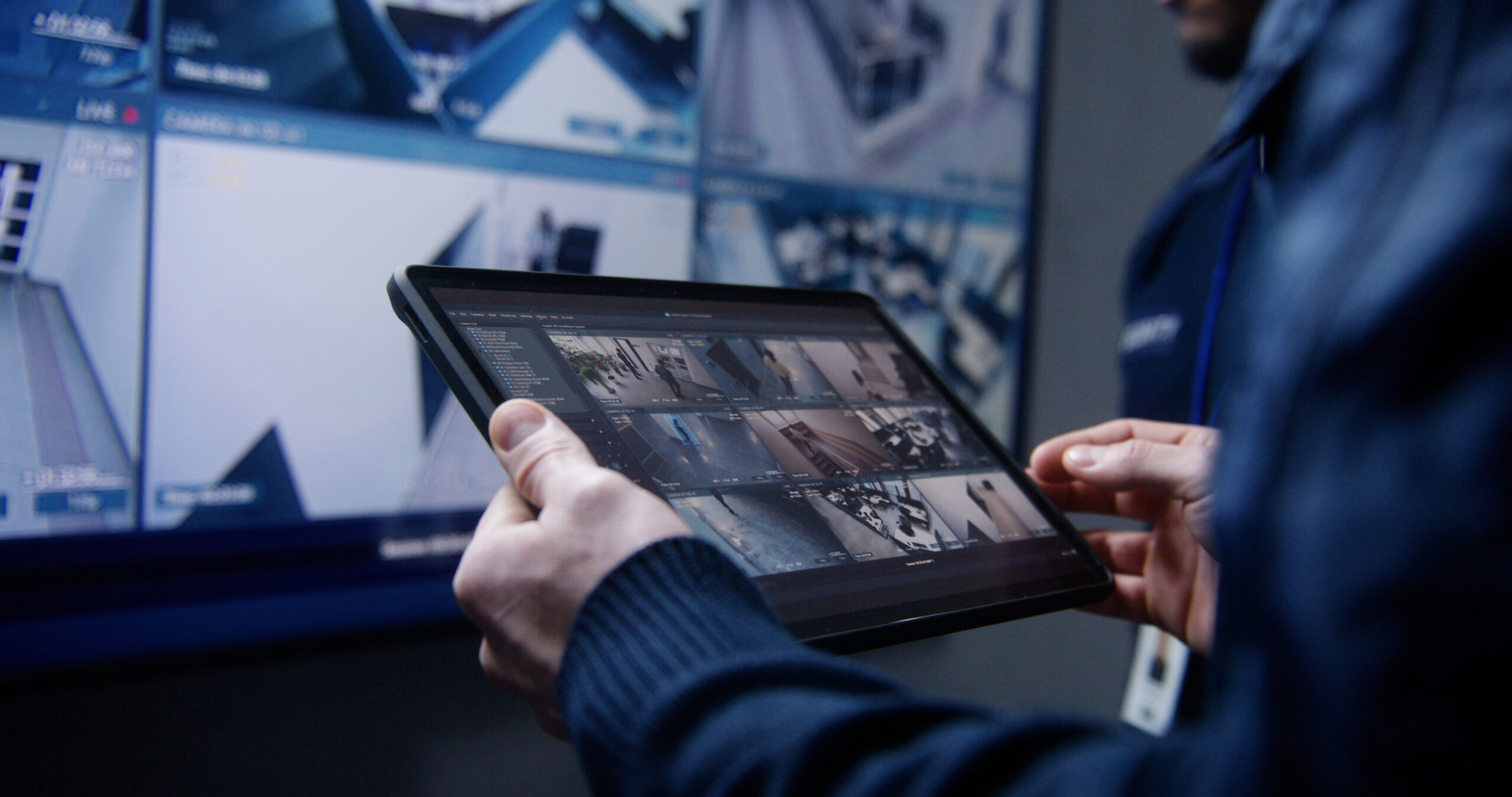
How can we help?
Full support from security specialists
From the first site survey to final product specification, our experts work with you to design a system that meets your exact requirements.
Intelligent features that add operational value
We're proud to partner with March Networks, a global leader in intelligent, IP-based video surveillance products.
Scalable solutions
We'll help you select the right credential strategy based on security level, user convenience and scalability needs.
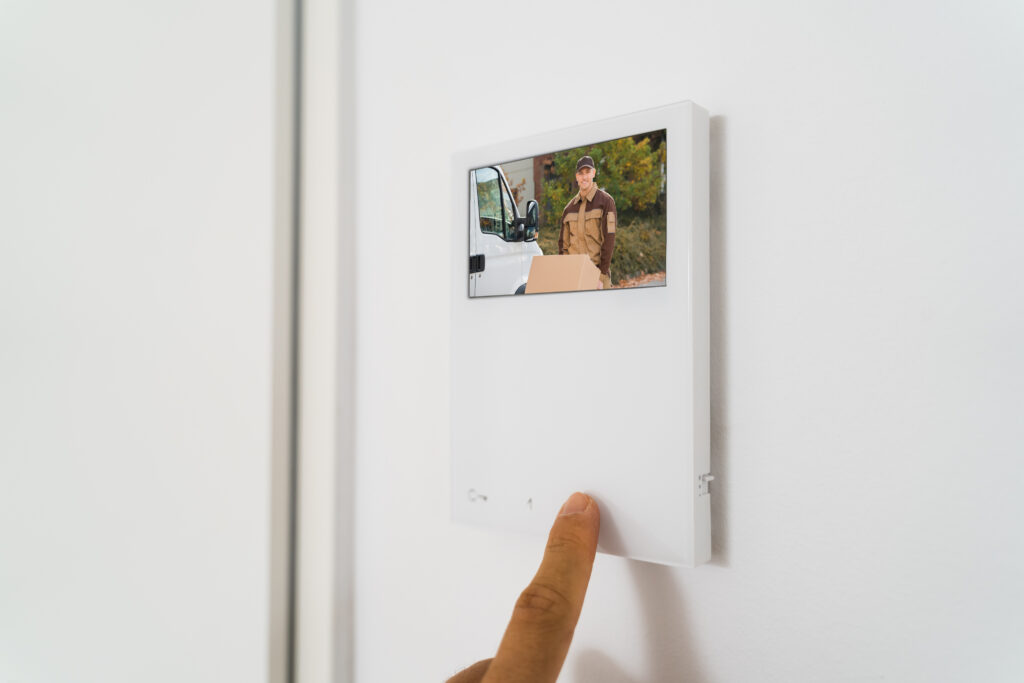
Designed to integrate
IP video surveillance systems rarely operate in isolation. At CIE, we design with integration in mind for systems that also include:
- Access control systems
- Intercom and door entry
- Intruder and perimeter detection
- Building management systems
- Central monitoring platforms

Free IP video surveillance design design service
Our experienced security specialists work with you from initial consultation through to system configuration and support.
Our service includes:
- Site and project consultation
- Camera selection and positioning guidance
- Storage and bandwidth planning
- NVR and video management software specification
- Integration advice with access control and other security systems
- Pre-build and configuration support
- Full system architecture design
- Ongoing UK-based technical support

Advanced capabilities
Beyond traditional CCTV, our video surveillance solutions provide added security and ease of deployment to any project.
- AI smart search: Quickly locate people or vehicles in recorded footage using intelligent object recognition and powerful search filters.
- Cloud-managed video: Remotely manage and monitor systems across multiple sites for centralised control.
- License plate recognition (LPR): Automatically detect and log vehicle access for car parks, gated facilities and delivery bays.


Related products...
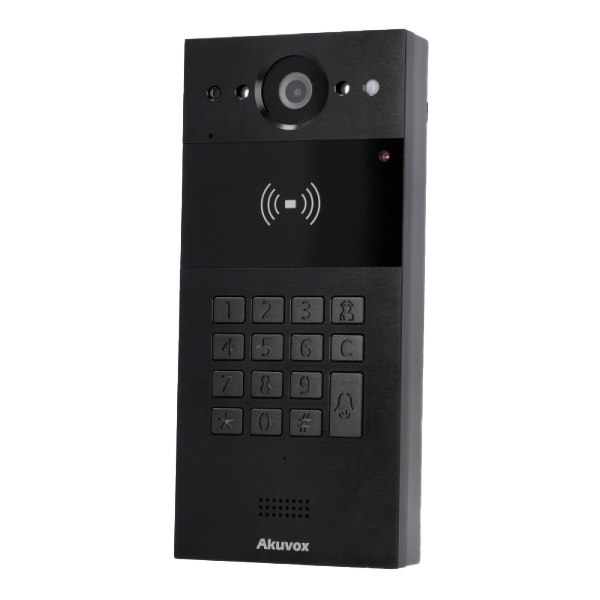
Product name
Further product information and description
Product name
Further product information and description
Product name
Further product information and description
Product name
Further product information and description
Product name
Further product information and description
Product name
Further product information and description
Frequently asked questions about our IP video surveillance solutions
What is IP video surveillance?
IP video surveillance is a security system that uses network-connected (Internet Protocol) cameras to transmit video footage over a data network rather than traditional coaxial cabling. Modern security systems tend to opt for IP video over traditional analogue systems thanks to their high-resolution recording, remote access, centralised management and advanced features such as AI analytics and cloud-based monitoring.
What is the difference between IP video surveillance and CCTV?
Traditional CCTV systems typically use analogue cameras connected directly to a DVR via coaxial cable. IP video surveillance systems use digital IP cameras connected over a network to NVRs or cloud platforms. This allows for higher image resolution, easier expansion, remote access, smarter analytics and better integration with access control and other security systems. For modern commercial and multi-site environments, IP video surveillance offers greater flexibility and long-term scalability than analogue CCTV.
What are the benefits of a commercial video surveillance system?
A professionally designed commercial video surveillance system provides more than just recorded footage. Key benefits include:
Deterring theft, vandalism and unauthorised access
Supporting incident investigation with high-definition video
Improving staff and visitor safety
Enabling remote monitoring across multiple sites
Providing operational insights through AI-based analytics
When properly specified, an IP-based system becomes a proactive security and management tool rather than simply a recording device.
What should I consider when designing an outdoor video surveillance system?
Outdoor video surveillance requires careful planning around camera placement, lighting conditions, weather resistance, vandal protection and network infrastructure. You also need to consider storage capacity, bandwidth and integration with access control or licence plate recognition if monitoring gates or car parks. Working with a specialist distributor like CIE ensures your system is correctly specified for environmental conditions, coverage requirements and long-term reliability.
How can CIE support my project?
CIE supplies and designs professional IP video surveillance and commercial video surveillance systems for installers and integrators across the UK. We provide system architecture design, camera and NVR specification, storage planning, integration advice and pre-configuration support. As a distributor, not an installer, our role is to help you select the right products, reduce project risk and deliver reliable, scalable surveillance solutions backed by UK-based technical support.
Learn more
from our
experts.

An explanation of what IP Ratings are used for and how to understand what they mean. Including solid particle and liquid ingress protection charts.

The HowToAV team discusses the benefits of Soundfield Voice Reinforcement in the classroom and how it provides a better learning environment in the modern day classroom. Find out how these simple audio systems can be installed in classrooms to ensure the teacher's voice is heard equally by all students, no matter what the class size or where the student is seated in the room.
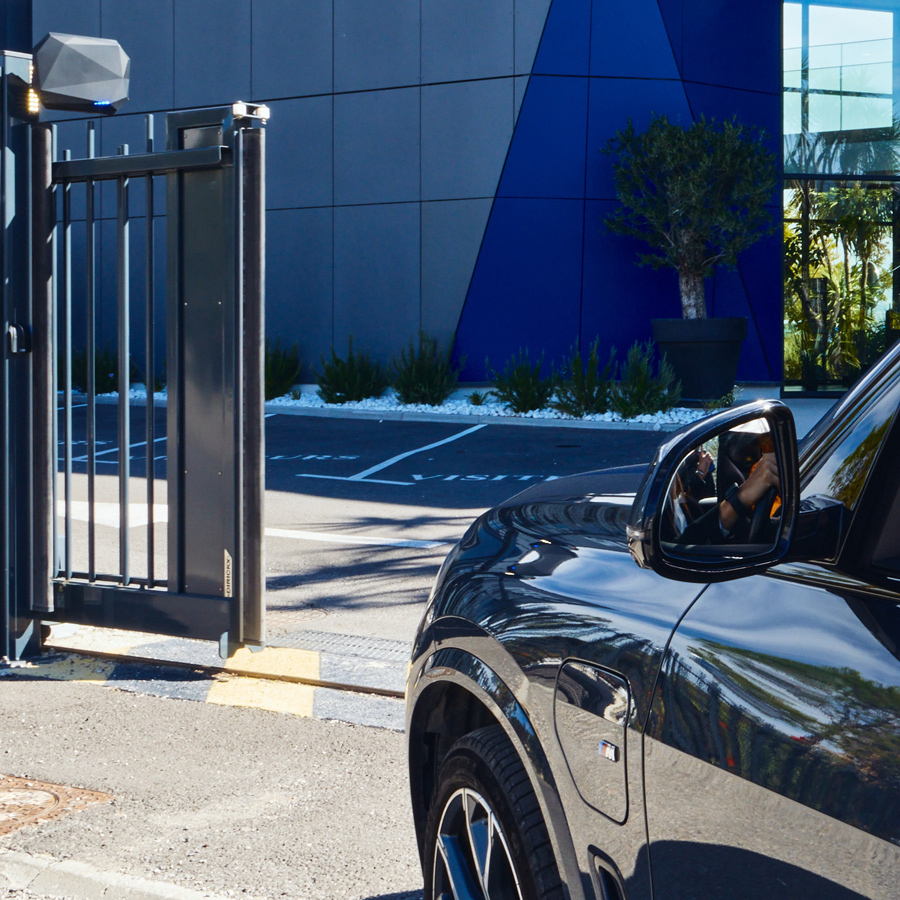
Managing vehicle access efficiently is more important than ever for car parks, logistics hubs, gated communities and high-security sites. The right technology can mean the difference between seamless, secure entry and frustrating traffic bottlenecks. Two leading solutions dominate the market - Ultra High Frequency (UHF) RFID and Automatic Number Plate Recognition (ANPR).

HowtoAV.tv catches up with Tom Colman of Shure Microphones UK who presented 'Steerable AV Conferencing Microphones' as part of the InfoComm Application Labs at ISE 2017.
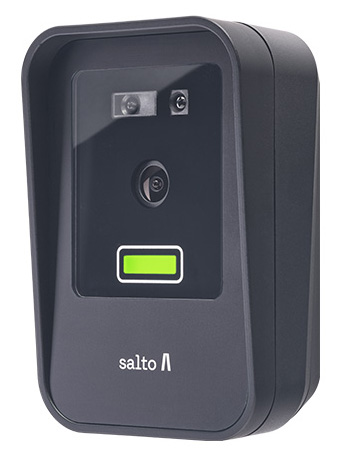
At the Security Event 2025 in Birmingham, Salto unveiled its latest face recognition reader as part of the Access range. Compact, secure and GDPR-compliant, the new Salto XS4-FACE Reader offers hands-free entry using advanced biometric authentication.
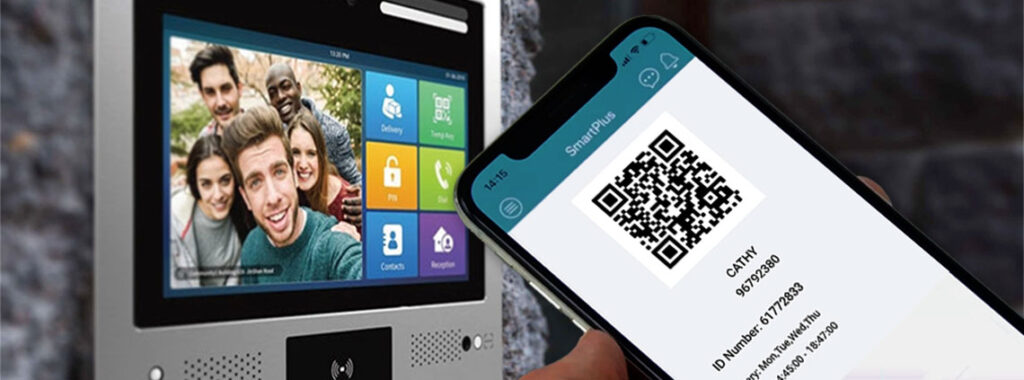
QR Codes are emerging as an ideal authentication option for door entry systems – particularly for temporary applications and time-limited access permission situations such as managing entry for cleaning staff, contractors or deliveries.
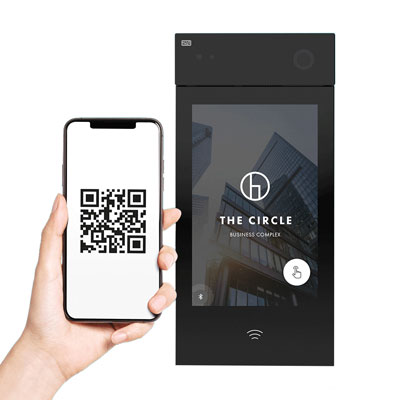
An introduction to the 2N IP Style Smart Door Intercom - 9157101.
Simone Gorff
★★★★★
1 hour ago on Google
Left a 5-star rating. Excellent!
Ryan Bauer
★★★★★
19 hours ago on Google
Left a 5-star rating. Excellent!
Yaşar Aksan
★★★★★
1 day ago on Google
Görülmesi gereken bir yer.
Joy Eller
★★★★★
1 day ago on Google
Great place to learn about so many things 😀
Balachandar K
★★★★★
3 days ago on Google
Left a 5-star rating. Excellent!