


Public address system design & supply.
CIE Group provides professional public address (PA) system design and supply solutions for installers, integrators and specifiers across the UK. Our design service is provided at no extra cost when you purchase the components, and provides peace of mind that your PA system will deliver clear, intelligible sound when and where it matters.

How can we help?
Components supplied from leading brands
CIE supplies a wide range of professional public address components from leading manufacturers including 2N and Inter-M.
Reliable voice evacuation and public address solutions
We understand the importance of targeting announcements to specific areas or initiating full-site evacuations in critical moments.
Design & specification support
We design PA systems that deliver clear, natural speech reproduction reliably across the entire site.

Free PA system design service
Designing an effective PA system requires careful planning. Poorly designed systems often result in uneven coverage, poor speech clarity or excessive volume in certain areas.
Our service includes:
- Public address system architecture and design
- Speaker layout and coverage planning
- Amplifier specification and system sizing
- Zoning and paging configuration
- Equipment selection and compatibility
- Acoustic considerations and ambient noise assessment
- Wiring diagrams and infrastructure guidance
- Pre-build and configuration support
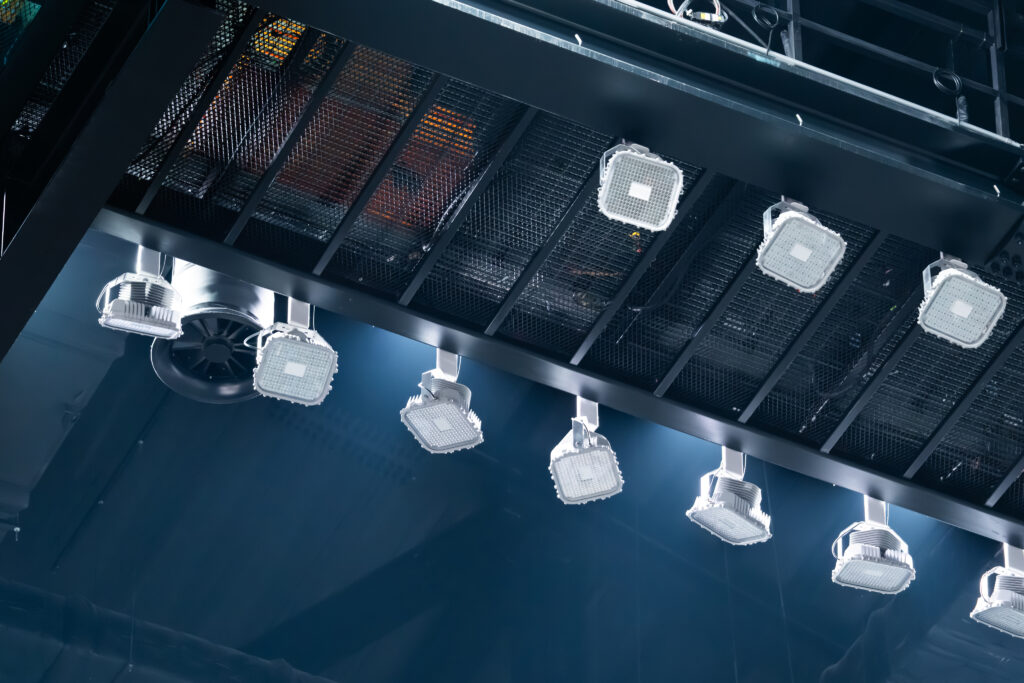
PA system components from trusted manufacturers
From small installations to large-scale distributed systems, we're official suppliers of 2N and Inter-M products, giving you everything you need for PA announcement systems, including:
- Public address amplifiers
- Paging microphones and paging stations
- Ceiling loudspeakers
- Wall-mounted loudspeakers
- Suspended loudspeakers for high ceilings
- Horn speakers for outdoor and industrial environments
- Multi-zone audio controllers
- Network-based audio distribution systems

Reduce risk with expert system design
By working with CIE at the design stage, installers and integrators benefit from:
- Correct speaker coverage and placement
- Accurate amplifier sizing and system capacity
- Proper zoning and paging functionality
- Reliable, compatible equipment selection
- Reduced installation time and commissioning issues


Related products...
Product name
Further product information and description
Product name
Further product information and description
Product name
Further product information and description
Product name
Further product information and description
Product name
Further product information and description
Product name
Further product information and description
Frequently asked questions about our public address system solutions
What is a public address system and how do they work?
A public address (PA) system distributes clear voice announcements across a building or site. They’re typically made up of a microphone or paging system, an amplifier and a network of loudspeakers positioned throughout the area you need to cover.
When you make an announcement, the microphone signal is amplified and sent to the speakers, allowing messages to be heard across the building.
Most commercial PA systems use a 100V line distribution, which allows many speakers to be connected over long cable runs while maintaining consistent audio quality.
Can CIE supply PA systems suitable for indoor and outdoor use?
Yes, we can supply and design PA systems that work in both indoor and outdoor environments. Our expert team helps installers and integrators select the right combination of speakers, amplifiers and microphones to make sure the message is heard loud and clear – wherever it’s being broadcast.
What kinds of buildings are PA systems best for?
Public address systems are widely used in any building or facility where clear communication with groups of people is important. Common examples include offices, warehouses, retail stores and shopping centres, schools and universities, hospitality and sports venues, plus event spaces.
What training and technical support is available through CIE?
Support and training is available before and after purchase. Our team can assist with system design guidance, product selection and specification, as well as providing wiring advice and system configuration support.
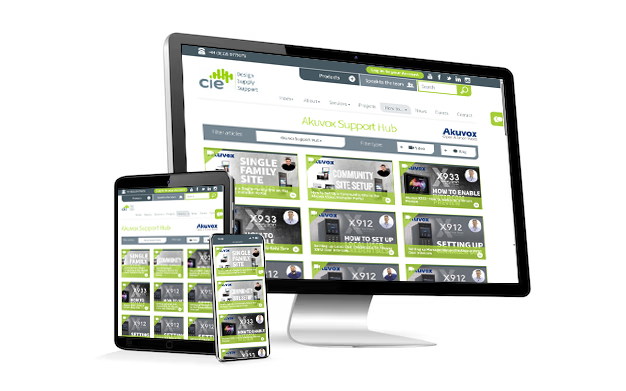
We also offer product demonstrations and training sessions for your installation team, covering things like PA technologies, system architecture and best practice for installation. Head to our resource hub, The Integration Exchange, for free guides and useful training videos.
What’s the difference between a PA and voice alarm system?
A standard public address system is designed for general announcements, paging and background audio. These systems are typically used for day-to-day communication within buildings.
A voice alarm system, on the other hand, is a specialised life safety system designed for emergency evacuation. These systems must meet strict regulatory standards, such as EN54 certification, and are integrated with fire detection systems to broadcast evacuation instructions during an emergency.
Learn more
from our
experts.
This article explains how to set-up Single Tenant Mode on Akuvox Cloud
Need to configure mobile network settings for your R20K-L4G LTE Intercom? In this tutorial, we walk you through adding custom APN details via the AK Partner app - ensuring smooth LTE connectivity with your Akuvox device.
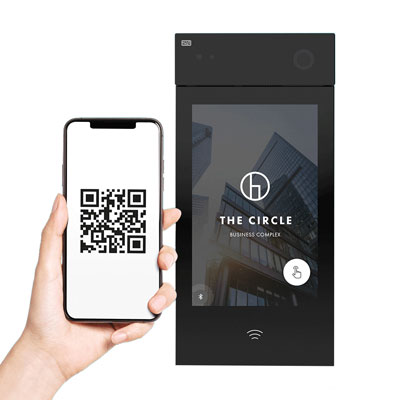
An introduction to the 2N IP Style Smart Door Intercom - 9157101.
CIE Tech Team demonstrates how to disable the Busy Tone on the Akuvox X933 indoor intercom answering panel.
The CIE Tech Team demonstrates how to quickly and easily set the DTMF Codes of the Akuvox X912 Door Intercom
In this guide, the CIE technical team demonstrates how to configure input triggers on the Akuvox R20K and X912 devices. This allows external switches such as push buttons or wired sensors to trigger the intercom’s relay, ideal for automating gates or door strikes.
The CIE Tech Team demonstrates how to quickly and easily set a Relay on the Akuvox X912 Door Intercom.
CIE demonstrates how to quickly and easily set up an Intercom preview on the Akuvox X933 Indoor Monitor.
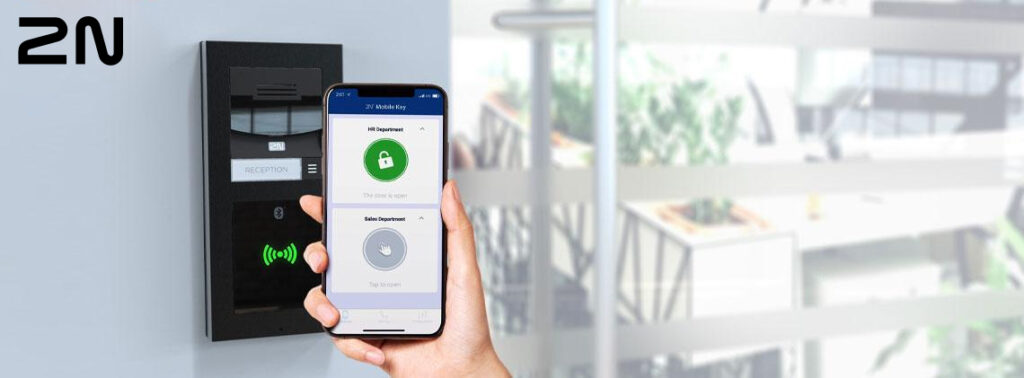
We take a look at how to generate mobile credentials for 2N's WaveKey technology for mobile access control.
CIE's Ashleigh Wilson demonstrates how to quickly and easily set the Manager Dial on the Akuvox X912 Door Intercom.
Step-by-step guide to set your indoor monitor’s Unlock button to use cloud relay control (Config on Cloud / Auto Mode), including soft key setup, saving changes, and testing.
In this quick guide, the CIE technical team demonstrates how to change a relay on an Akuvox device from monostable (timed trigger) to bistable (toggle on/off) mode. This setup is particularly useful for gate automation where you want the relay to remain open until manually closed via app or PIN input.
Simone Gorff
★★★★★
1 hour ago on Google
Left a 5-star rating. Excellent!
Ryan Bauer
★★★★★
19 hours ago on Google
Left a 5-star rating. Excellent!
Yaşar Aksan
★★★★★
1 day ago on Google
Görülmesi gereken bir yer.
Joy Eller
★★★★★
1 day ago on Google
Great place to learn about so many things 😀
Balachandar K
★★★★★
3 days ago on Google
Left a 5-star rating. Excellent!
