CYP audio visual equipment.
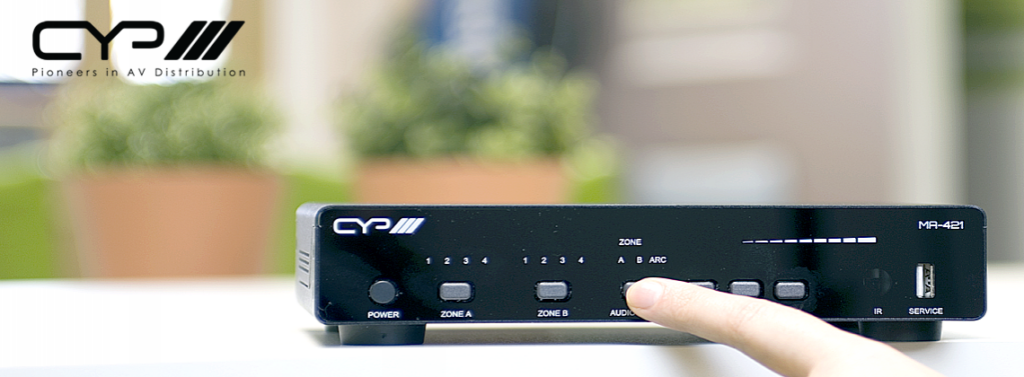
CYP Europe is a leading manufacturer of professional audio-visual connectivity solutions. As an official UK distributor, CIE provides the full CYP range of signal distribution, switching and integration products for commercial and residential AV systems. All backed by the expert support and advice of our in-house team.
Market-leading AV connectivity solutions.
Designed for integrators and installers, CYP products are designed to deliver high-performance connectivity for any AV installation. For added peace of mind, all CYP products purchased through CIE come with a 5-year limited warranty, including a two-year like-for-like swap-out (at CYP’s discretion) and free repair labour for the full warranty period.
CYP Europe solutions are widely used across:
- Commercial AV installations
- Education and corporate environments
- Hospitality and retail spaces
- Residential custom install projects
- Large-scale distributed AV systems
With a focus on scalability and flexibility, CYP products are designed to enhance AV capabilities while simplifying complex systems.
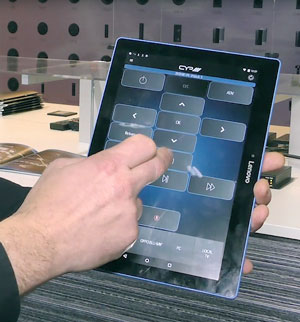
The complete CYP Europe range.
CIE stocks and supports the full CYP ecosystem, covering all major areas of AV signal distribution and management.
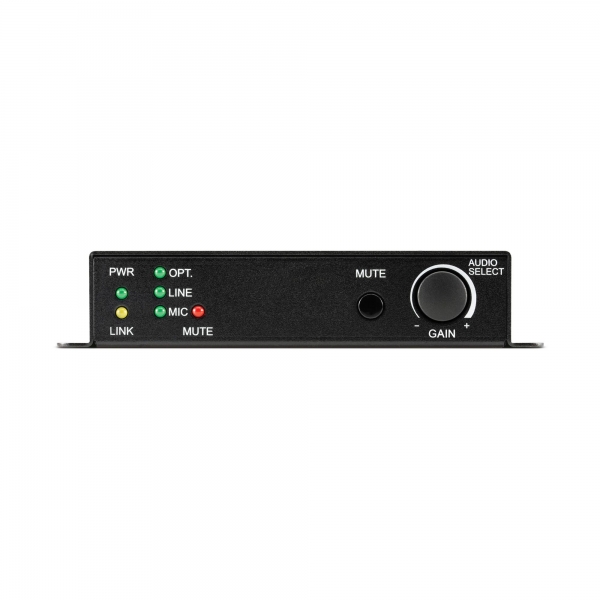
Audio over IP
Deliver audio, video and control signals across network infrastructure for scalable AV distribution…
Deliver audio, video and control signals across network infrastructure for scalable AV distribution.
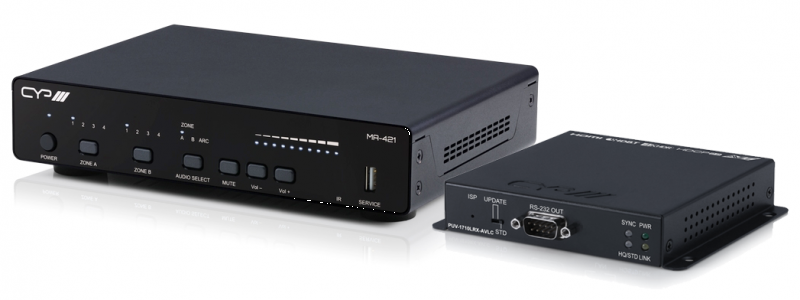
AV distribution & management
Professional audio routing, conversion and management tools including DACs,…
Professional audio routing, conversion and management tools, including DACs.

HDMI
HDMI extenders that allow high-quality AV signals to be transmitted over long distances without loss or…
HDMI extenders for transmitting high-quality AV signals over longer distances.
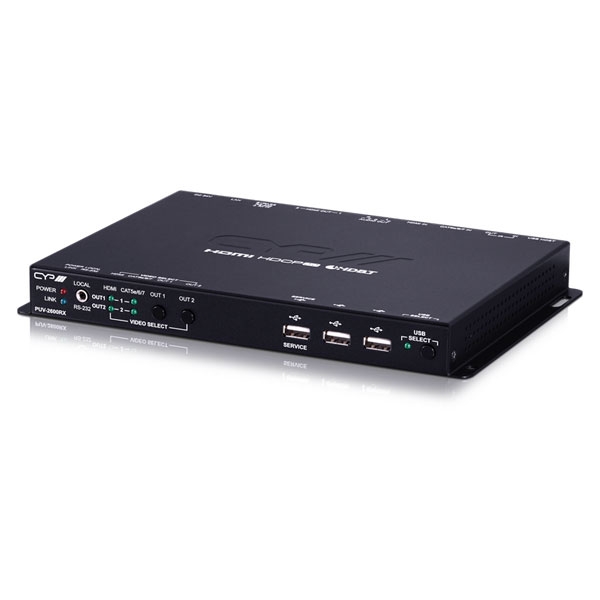
HDBaseT
HDBaseT extenders for professional, long distance (up to 100m) 4K AV installations.
HDBaseT extenders for professional, long distance (up to 100m) 4K AV installations.
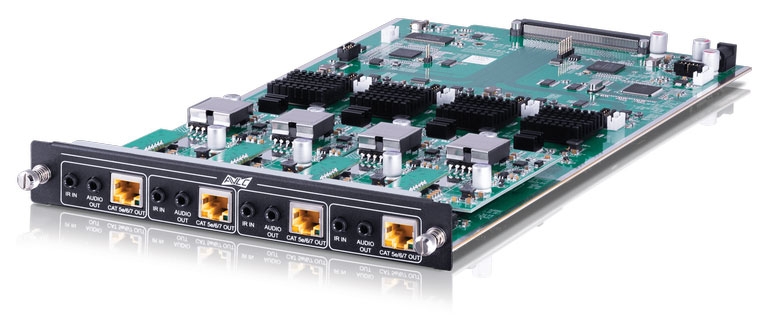
Modular matrix configurator
Flexible matrix switching systems that allow multiple sources to be routed to…
Flexible matrix switching systems route multiple AV sources to connected displays.
Support for CYP projects: before, during and after installation.
Working on an AV project using CYP solutions? CIE provides full technical and design support to help you deliver your AV project.
Our AV specialists can support you with:
Learn more
from our
experts.



Supporting our partner brands’ projects across the UK.