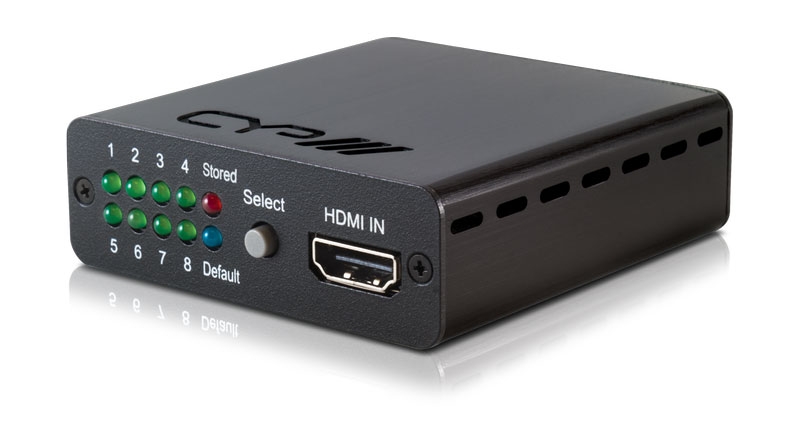
 HDMI EDID Manager 4K, HDCP 2.2, HDMI 2.0, 18MbpsRE-EDID-4K22View product


Or simply give us a call on: +44 (0)115 9770075
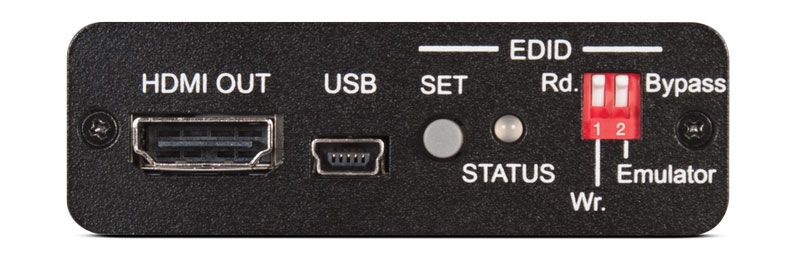
CYP RE-EDID EDID Manager for adjustment and manipulation of HDMI/DVI EDID information.
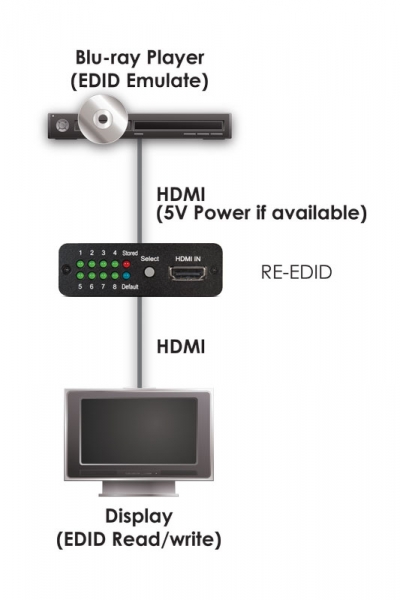
The CYP RE-EDID provides control, adjustment and manipulation of HDMI/DVI EDID command information sent to a source device from a connected output display (screen or projector).
The RE-EDID Manager allows adjustment to ensure the correct video/audio signal to reduce the complications of AV systems integration, home theatre systems and AV equipment testing. This installation assistance device features a learning function which allows the installer / integrator to both read and write AV EDID commands to the system. The CYP RE-EDID also supports EDID Emulation and Bypass modes and is ideal for overcoming source and screen compatibility issues, particularly when integrating a PC source into a system.
What is EDID?
EDID (‘Extended Display Identification Data’ for short!) is a data command structure provided from a digital display (ie. Screen, TV or projector) which communicates its capabilities to the AV system. EDID data typically includes manufacturer name, model and serial number, display size, resolution, luminance information, etc.
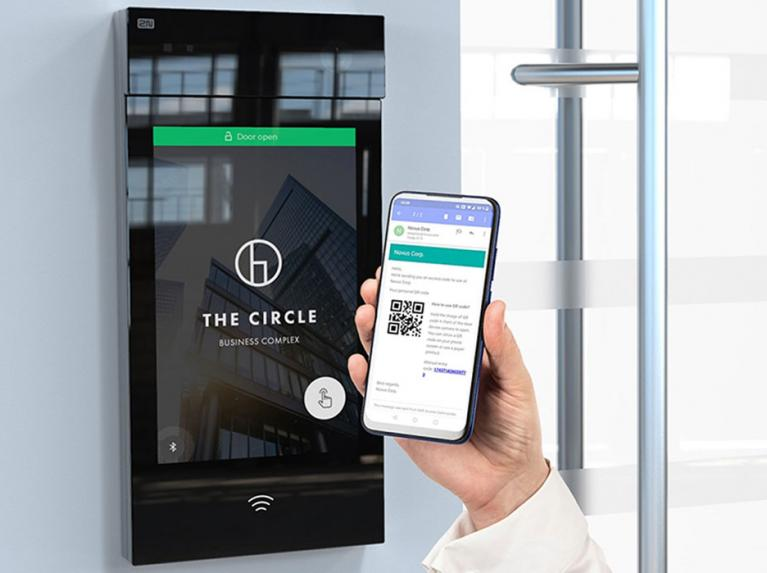
We would be happy to answer any of your questions and help you to get to know the Indoor Touch 2.0 Touchscreen Digital Intercom Answering Panel.
If you would prefer, simply give us a call on:


