


Assistive hearing & listening system solutions.
CIE Group provides assistive listening system design and supply solutions for installers, integrators and specifiers across the UK. From small meeting rooms to large venues, we’ll help you design a system that’s easy to use, compliant and works effectively wherever it's installed.

How can we help?
Components supplied from trusted brands
We're an official UK stockist of some of the leading brands of assistive listening products, such as Opus Technologies.
Full range of assistive listening technologies
AFILS, infrared or RF - we'll help you choose the right system for your space.
Design and specification support
We can provide a free assistive hearing system design that works in the real-world environment.

Assistive listening system design and specification
Getting assistive listening systems right isn’t just about the equipment. Layout, environment and usage all play a big part in how well the system performs.
Our team supports installers and integrators with:
- System design and layout planning
- Product selection and specification
- Coverage and performance guidance
- Integration with existing AV or audio systems
- Compliance with relevant standards and guidelines
- Pre-build and configuration support

Quality system components
CIE supplies assistive listening solutions from leading manufacturers including Opus Technologies, who are known for their reliable, high-performance induction loop systems.
Our range includes:
- Induction loop amplifiers
- Counter loop systems
- Portable loop kits
- Receivers and accessories
- Installation and cabling components
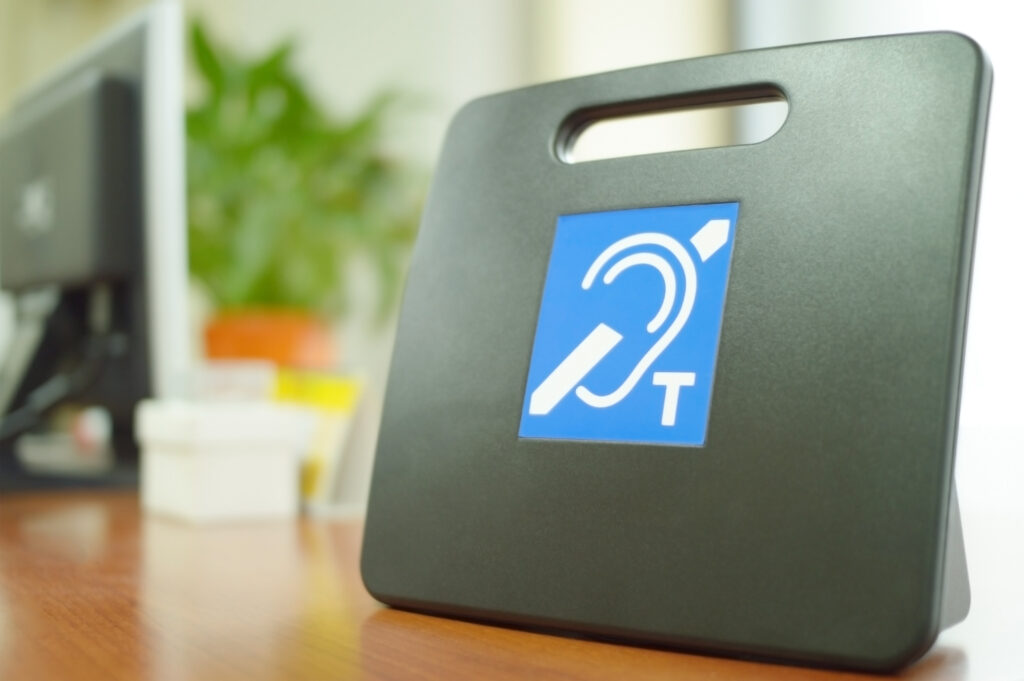
Induction loop, infrared and RF systems
We supply a full range of assistive listening technologies, and can advise on the best one for your project.
- Induction loop systems (AFILS) – The most widely used solution that works with hearing aids set to the ‘T’ (telecoil) setting.
- Infrared systems – Ideal for spaces where privacy is important, such as courtrooms or meeting rooms.
- RF (radio frequency) systems – Suitable for larger spaces or multi-room environments where extended coverage is needed.


Related products...
Product name
Further product information and description
Product name
Further product information and description
Product name
Further product information and description
Product name
Further product information and description
Product name
Further product information and description
Product name
Further product information and description
Frequently asked questions about our assistive hearing system solutions
What is an assistive listening system?
An assistive listening system helps people with hearing loss hear speech more clearly by reducing background noise and improving sound clarity.
What is an induction loop system (AFILS)?
An induction loop system, also known as an Audio Frequency Induction Loop System (AFILS), is a type of assistive listening system that helps people with hearing aids hear more clearly. It works by transmitting sound directly to a hearing aid when it’s switched to the “T” (telecoil) setting, cutting out background noise and improving speech clarity. These systems are often found in reception areas, meeting rooms, shops and public buildings.
Are assistive listening systems a legal requirement?
In many cases, yes. Under the Equality Act 2010, organisations that provide services to the public are required to make reasonable adjustments to ensure accessibility for people with hearing loss.
Where are these systems typically used?
They’re often used in places where clear communication is key, like reception areas, meeting rooms, conference halls, theatres and venues, retail environments and transport hubs.
What training and support does CIE provide?
CIE offers a range of support services to help you deliver assistive listening systems with confidence. Alongside our knowledge hub, The Integration Exchange, we can also provide product demonstrations and hands-on training at our facility in Nottingham. We’re also more than happy to provide system design advice, prebuild and configuration services, and ongoing support during and after installation.
Learn more
from our
experts.
An explanation of what IP Ratings are used for and how to understand what they mean. Including solid particle and liquid ingress protection charts.

The HowToAV team discusses the benefits of Soundfield Voice Reinforcement in the classroom and how it provides a better learning environment in the modern day classroom. Find out how these simple audio systems can be installed in classrooms to ensure the teacher's voice is heard equally by all students, no matter what the class size or where the student is seated in the room.

Managing vehicle access efficiently is more important than ever for car parks, logistics hubs, gated communities and high-security sites. The right technology can mean the difference between seamless, secure entry and frustrating traffic bottlenecks. Two leading solutions dominate the market - Ultra High Frequency (UHF) RFID and Automatic Number Plate Recognition (ANPR).

HowtoAV.tv catches up with Tom Colman of Shure Microphones UK who presented 'Steerable AV Conferencing Microphones' as part of the InfoComm Application Labs at ISE 2017.
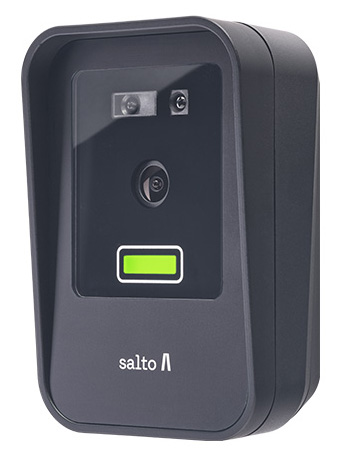
At the Security Event 2025 in Birmingham, Salto unveiled its latest face recognition reader as part of the Access range. Compact, secure and GDPR-compliant, the new Salto XS4-FACE Reader offers hands-free entry using advanced biometric authentication.
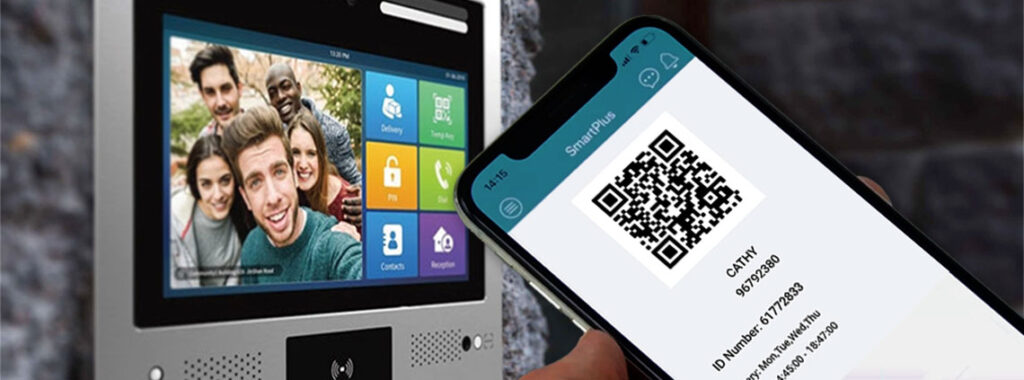
QR Codes are emerging as an ideal authentication option for door entry systems – particularly for temporary applications and time-limited access permission situations such as managing entry for cleaning staff, contractors or deliveries.
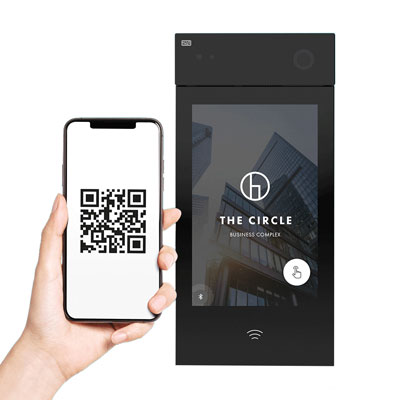
An introduction to the 2N IP Style Smart Door Intercom - 9157101.
Simone Gorff
★★★★★
1 hour ago on Google
Left a 5-star rating. Excellent!
Ryan Bauer
★★★★★
19 hours ago on Google
Left a 5-star rating. Excellent!
Yaşar Aksan
★★★★★
1 day ago on Google
Görülmesi gereken bir yer.
Joy Eller
★★★★★
1 day ago on Google
Great place to learn about so many things 😀
Balachandar K
★★★★★
3 days ago on Google
Left a 5-star rating. Excellent!