


EN54 system design & supply.
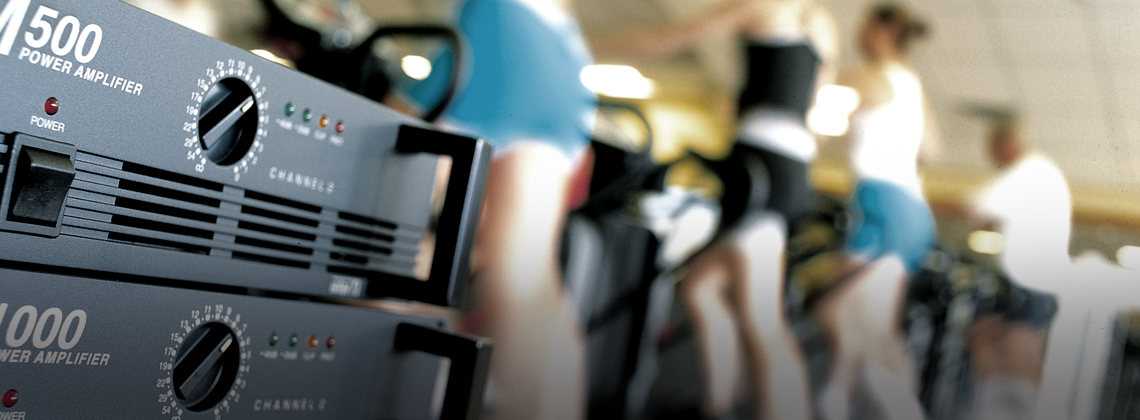
CIE Group provides professional EN54 compliant voice alarm and public address system design and supply solutions for installers, integrators and specifiers across the UK. From schools and commercial buildings to public venues and transport facilities, our systems are relied on for clear communication during emergency situations.
How can we help?
Components supplied from leading brands
We've partnered with leading critical communications brands such as Zenitel to source right right components for your system.
Expert design, supply, training and support
We plan around your existing system architecture, zoning, amplifier capacity, loudspeaker coverage and redundancy.
Reliable voice evacuation and public address solutions
We understand the importance of targeting announcements to specific areas or initiating full-site evacuations in critical moments.

Tailored to your building and operations.
EN54 voice alarm systems are commonly used in environments where clear communication and controlled evacuation are critical, including:
- Commercial buildings and offices
- Shopping centres and retail environments
- Schools, colleges and universities
- Airports, transport hubs and stations
- Industrial and manufacturing facilities
- Hospitals and healthcare environments
- Public venues and large gathering spaces
Professional EN54 equipment from trusted manufacturers
As Zenitel's strategic supply partner in the UK, we supply a range of EN54-certified voice alarm components for your project.
- EN54-certified voice alarm controllers
- EN54 amplifiers and system processors
- Voice evacuation microphones and paging stations
- EN54 loudspeakers and ceiling speakers
- Power supplies and backup systems
- Monitoring and system management components

Free EN54 system design service
We support installers and consultants to ensure their system meets EN54 compliance requirements whilst also being practical and cost-effective to install.
Our service includes:
- EN54 system architecture design
- Product selection and specification
- Loudspeaker zoning and coverage planning
- Amplifier sizing and redundancy planning
- Integration with fire alarm systems
- Wiring schematics and infrastructure guidance
- Pre-build and configuration support


Related products...
Product name
Further product information and description
Product name
Further product information and description
Product name
Further product information and description
Product name
Further product information and description
Product name
Further product information and description
Product name
Further product information and description
Frequently asked questions about our EN54 system solutions
What is an EN54 voice alarm system?
EN54 is the European standard for fire detection and fire alarm systems, including voice evacuation and public address equipment used for emergency announcements. An EN54 voice alarm system allows building operators to broadcast pre-recorded or live emergency messages during a fire or safety incident.
Unlike basic PA systems, EN54 voice alarm solutions are specifically designed and certified for life safety applications.
How do you design an EN54 compliant system?
Here are the steps we follow to make sure any EN54 compliant voice alarm systems meet the correct standards and your project requirements:
We work with you to understand the building’s layout and evacuation strategy to determine how announcements should be made in an emergency
We divide buildings into zones to messages can be clearly broadcast to specific areas or the entire site if necessary
We select and configure the key components requirements, such as controllers, amplifiers, loudspeakers and microphones
We advise on placement and testing to ensure announcements are clear and intelligible throughout the building, even in noisy environments
Our team is on hand after installation to support with any queries you may have or troubleshooting
Can I integrate an EN54 voice alarm system with other building systems?
Yes. These systems usually operate as part of a wider life safety and building communication infrastructure.
Depending on your project requirements we can design a system that supports integration with:
Fire detection and alarm systems
Public address systems
Building management systems
Emergency communication systems
Security and evacuation control systems
When is an EN54 system required?
EN54 systems are mandatory for all permanent fire detection and alarm systems in commercial, industrial and multi-residential buildings across the UK and Europe. In larger, more complex buildings like shopping centres, schools and universities, hospitals and stadiums, simple alarm tones may cause confusion or slow evacuation – clear, spoken instruction should be used instead of or alongside traditional alarm sounders.
What training and technical support do CIE provide for EN54 systems?
We can provide product demonstrations, training sessions and technical workshops covering EN54 voice alarm technologies and system design best practices. Plus, our UK-based technical support team is on hand to assist with any questions you may have around system configuration, product compatibility, troubleshooting and deployment.
Learn more
from our
experts.
An explanation of what IP Ratings are used for and how to understand what they mean. Including solid particle and liquid ingress protection charts.

The HowToAV team discusses the benefits of Soundfield Voice Reinforcement in the classroom and how it provides a better learning environment in the modern day classroom. Find out how these simple audio systems can be installed in classrooms to ensure the teacher's voice is heard equally by all students, no matter what the class size or where the student is seated in the room.
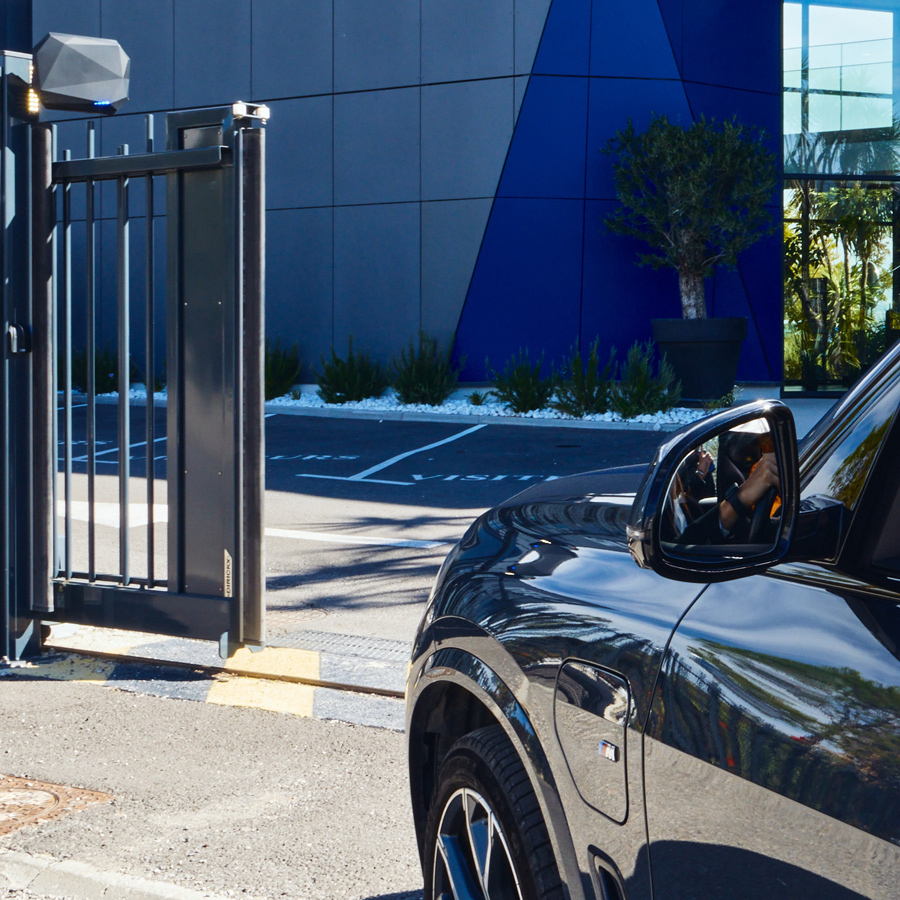
Managing vehicle access efficiently is more important than ever for car parks, logistics hubs, gated communities and high-security sites. The right technology can mean the difference between seamless, secure entry and frustrating traffic bottlenecks. Two leading solutions dominate the market - Ultra High Frequency (UHF) RFID and Automatic Number Plate Recognition (ANPR).

HowtoAV.tv catches up with Tom Colman of Shure Microphones UK who presented 'Steerable AV Conferencing Microphones' as part of the InfoComm Application Labs at ISE 2017.
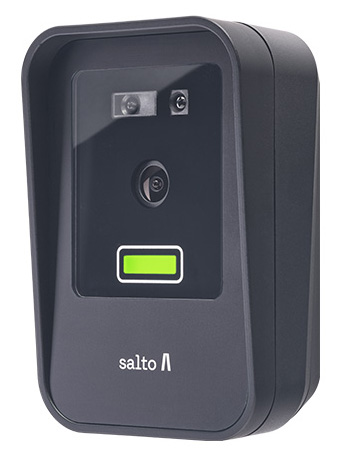
At the Security Event 2025 in Birmingham, Salto unveiled its latest face recognition reader as part of the Access range. Compact, secure and GDPR-compliant, the new Salto XS4-FACE Reader offers hands-free entry using advanced biometric authentication.
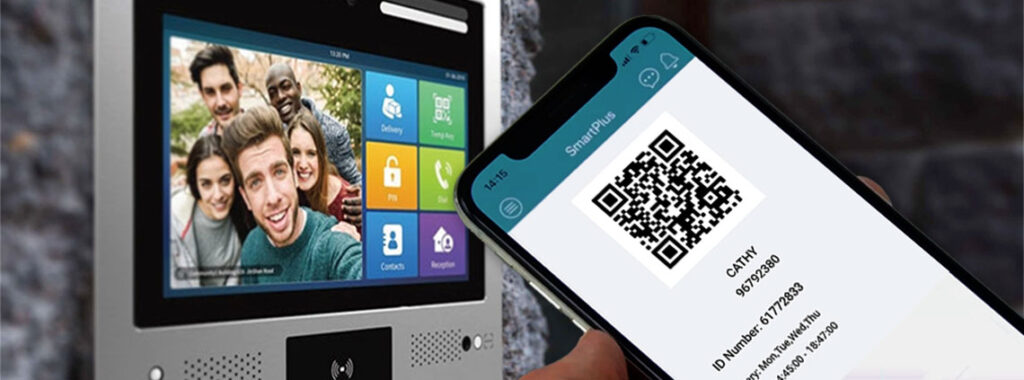
QR Codes are emerging as an ideal authentication option for door entry systems – particularly for temporary applications and time-limited access permission situations such as managing entry for cleaning staff, contractors or deliveries.
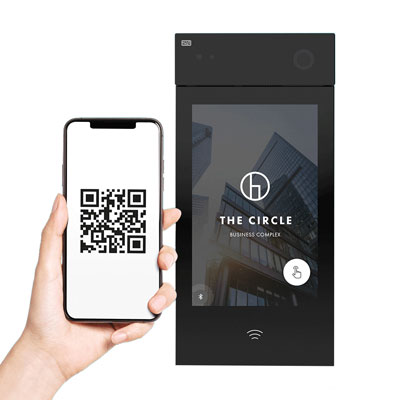
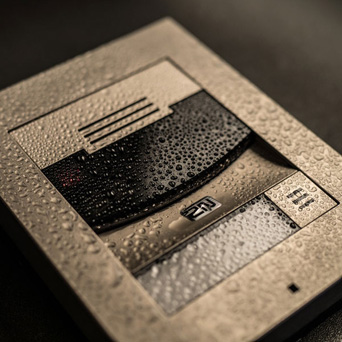
An introduction to the 2N IP Style Smart Door Intercom - 9157101.
Simone Gorff
★★★★★
1 hour ago on Google
Left a 5-star rating. Excellent!
Ryan Bauer
★★★★★
19 hours ago on Google
Left a 5-star rating. Excellent!
Yaşar Aksan
★★★★★
1 day ago on Google
Görülmesi gereken bir yer.
Joy Eller
★★★★★
1 day ago on Google
Great place to learn about so many things 😀
Balachandar K
★★★★★
3 days ago on Google
Left a 5-star rating. Excellent!