What is 2N Wavekey?
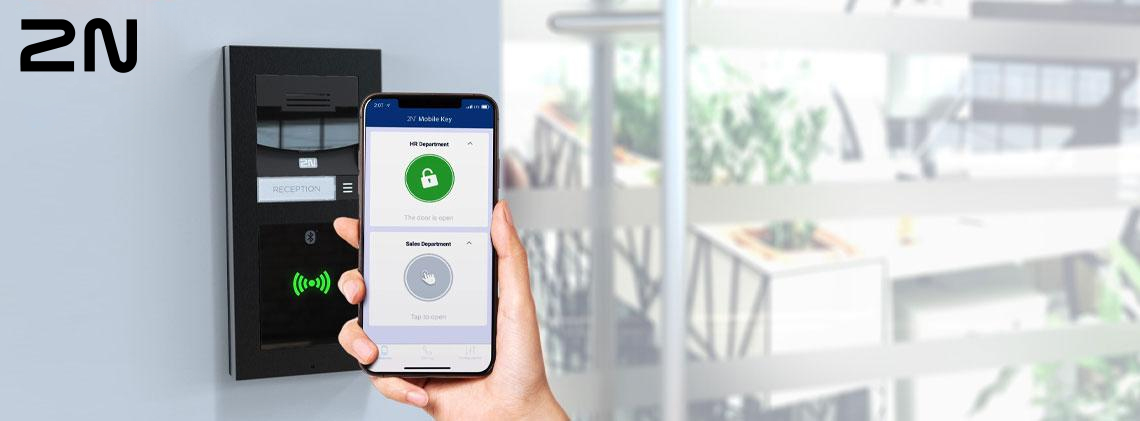
2N WaveKey is 2N’s patented technology for mobile access control, it is the fastest on the market with unnvaled reliability and security. It allows security system administrators to generate and distribute access credentials to the user in a matter of moments, using a simple web interface and remote ‘mobile key’ distribution. There is no requirement to meet the user in person to provide physical credentials of keys. Wavekey stands out as it offers mobile credentials free of charge which are simple to distribute without the need for cloud connection.
- Fastest contactless access on the market
- Mobile credentials free of charge
- No need for cloud connection
How do you pair your phone using Wavekey?
Whoever is responsible for user management such as security admin, HR manager or receptionist may generate mobile credentials into an access commander. Just grant them the appropriate permissions and they can create users, assign them to groups and generate a pairing code. There are two ways for a user to pair their phone.
In person / at the desk pairing:
Firstly when standing directly at the front desk open the 2N mobile key application and choose to add a new device. You will then be asked for a pairing code which the receptionist will be able to confirm, the mobile phone is then immediately paired via USB dongle at the receptionists computer. 2N access commander syncs the credentials to all readers where access is allowed. This process is quick and easy and done in less than 30 seconds.
Remote pairing:
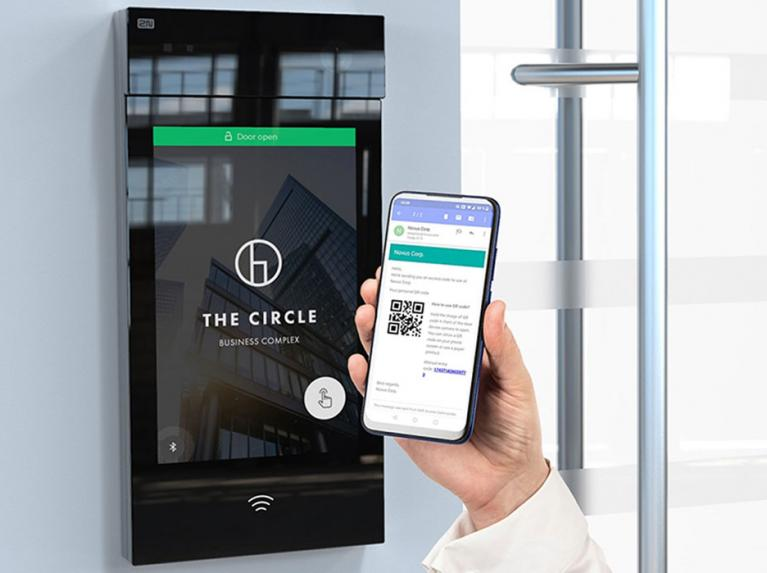
The second option is to send the pairing code remotely to the user via an email which explains how to download the 2N Mobile Key app and pair with the reader. A validity term between 10 minutes and 10 days may be set for the pairing code, therefore the user must complete pairing during this term. This can be completed via a designated device – there may be several of these in the building and typically include the reader at the front door. Pairing only needs to be done once per site – once successfully paired with one device all the devices on site are accessible by the user and synced. This keeps the process simple and eliminates the need for personal meetings and costly physical distribution.
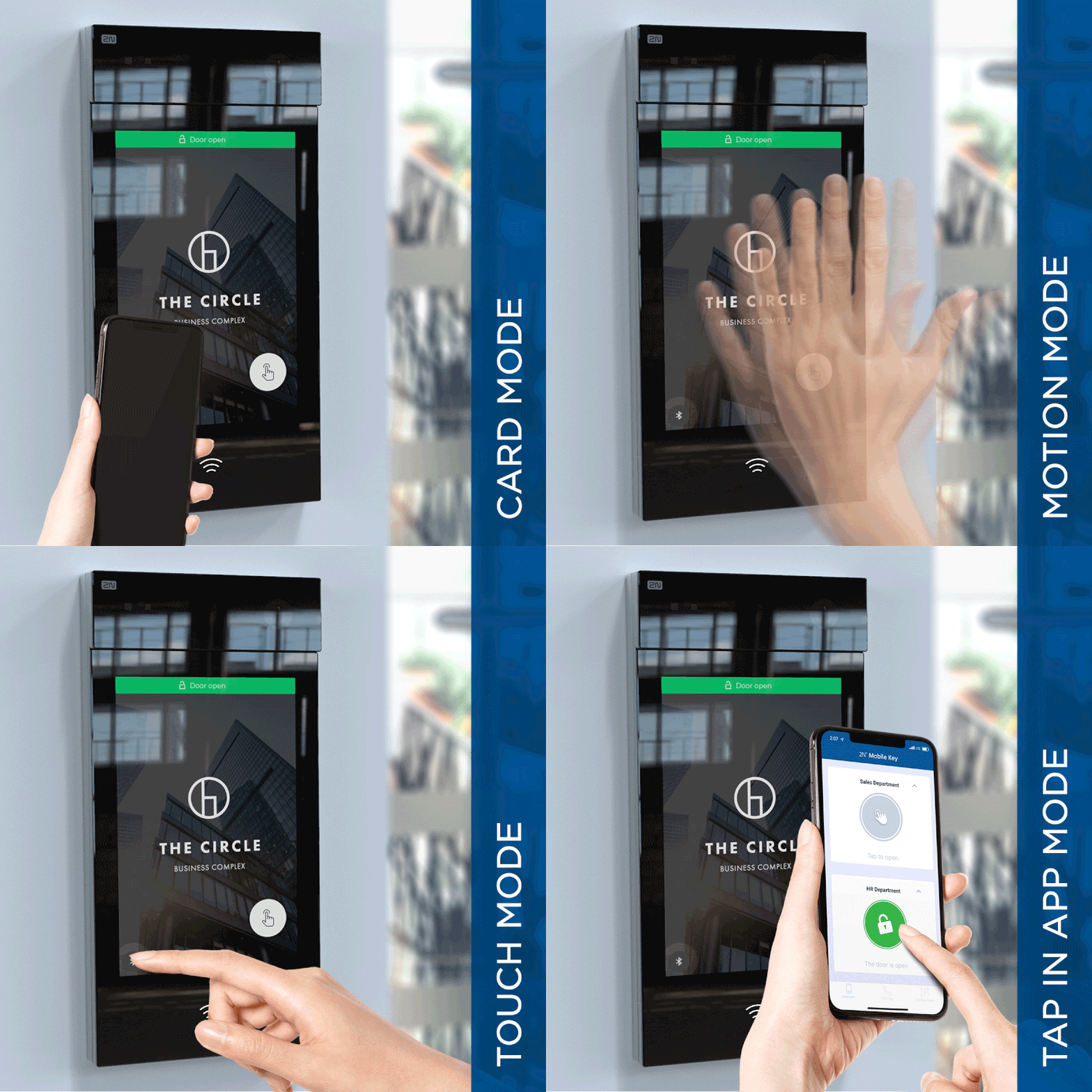
How many different modes are there when using 2N Wave key?
- Touch mode ensures absolute convenience. Users only touch the reader with their hand or elbow and leave their phone in their pocket.
- Contactless Tap in app mode offers greater security. Users must disable any lock screen, and open the door via a virtual button in the app. This is also an ideal way to open the exit gate from a car park while sitting in the car.
- Motion mode is completely contactless. All you have to do is approach the video intercom with the phone in your pocket or wave your hand over its camera and the door will open.
- Card mode. The phone works as a card, and the user has to place it right next to the reader. This is similar to the popular NFC technology, but with WaveKey, it works with Android and iOS phones.

Also read:
2N Wavekey to revolutionise Mobile Access
What is a Contactless Pathway?
Access Control Contactless Authentication Methods
How to design an Access Control System