Setting up Local User Credentials for Akuvox X912 Door Intercom
How to set up Local User Credentials for Akuvox X912 Door Intercom
- First go to the dashboard, go to directory > user.
- Then you can add a user in the top right. Enter a name, private pin (which will be four 2’s).
- Get the RF card, click obtain and then hover over the X912 device.
- Then go down to face and import an image and submit the details.
- Test the fob and the device should let you in.
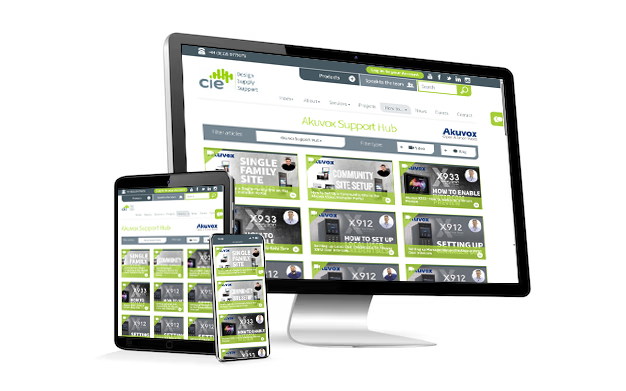
Need further help? Visit the Akuvox Support Hub for additional videos and HowTo guides.