How to extend a USB Signal transmission distance
USB or Universal Serial Bus, is an industry standard for consumer’s on transmitting connectivity both power and data signals between PC’s, laptops, several peripheral and storage devices.
Extending a USB signal can be tricky when transmission distances, with USB 2.0 is limited to 5 metres and USB 3.0/3.1 are limited to 3 to 4 metres.
How do you extend the transmission distance of a USB signal?
The first simple recommendation is to ensure you are using high grade USB cables. This is going to ensure you are getting the greatest distance and performance from your connection.
A common mistake made when trying to extend USB transmission distances is to connect 2 or more passive USB cables together this then goes beyond the recommended 3 or 5 meter limits and will simply not work! However there are also active USB cables available, these are often refered to as ‘repeater‘ cables – these will regenerate the USB signal. This allows for passive and active cables to be connected together. Do remember though that most repeater USB cables are ‘bus powered‘ (they take their power from host devices USB interface). Therefore this option should only be applied for data transmission as opposed to peripheral device charging.
Another option is to use a USB HUB – a hub generates the signal at the end of the USB which can then be sent again to another USB cable. An example of this: a 5 metre cable can connect to a hub which is then connected to another 5 metre cable – increasing signal sitance to 10 metres. However this will only prove effective when transmission distance reaches a max of 30 metres as up to 5 HUB’s may be used effectively in any one installation.
What if I need to transfer my USB cable signal further than 30 metres?
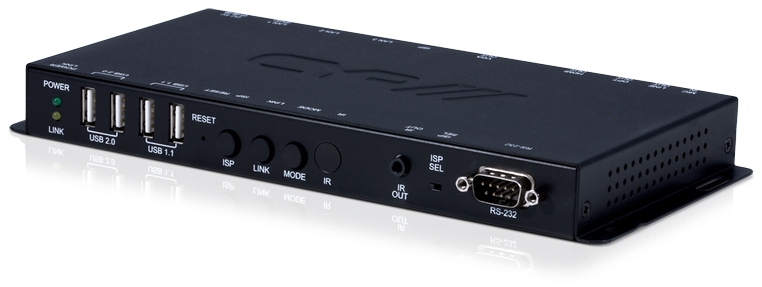
Another option is to connect your USB cable to a USB Extender Kit, usually featuring Transmitter and Receiver devices, to transmit signals over distances of up to 100 metres via standard Cat5/6/7 Ethernet cables.