Wavelynx Mobile-first Building Access.
Wavelynx delivers flexible access control solutions, combining mobile credentials, digital wallets and seamless integration with existing systems to support a future-ready security infrastructure.

Access without limits
Wavelynx develops secure, flexible access control readers and mobile credential solutions designed to help organisations modernise building access without unnecessary disruption. With support for smartphones, digital wallets and physical credentials, Wavelynx makes it easier to move from traditional card-based access towards a more convenient and future-ready mobile access control system.
The Wavelynx solutions are designed with interoperability in mind, helping organisations introduce newer credential technologies while continuing to support existing access control infrastructure where required.
As a UK supply partner for Wavelynx, CIE supports installers and system integrators with product selection, system design and technical expertise, helping deliver secure, scalable and professionally specified mobile access control solutions for commercial buildings, education, healthcare, residential developments and other secure environments.
Future-ready access. Built for change.
Wavelynx is secure access made simple. By focusing on mobile credentials and open integration, their technology helps organisations modernise access without replacing the entire system.
- Offices and corporate environments
- Education and student accommodation
- Commercial property and mixed-use developments
- Data centres and critical infrastructure
- Multi-site and enterprise access control systems
Wavelynx helps make the move from Wiegand to OSDP simpler with its patented OSDP Auto-detect technology. Designed to work with existing wiring, it allows installers to upgrade access control systems with less disruption, helping save time, labour and installation costs.
Whether upgrading an existing Wiegand system or specifying a new installation, Wavelynx provides a flexible route towards secure mobile credentials and OSDP access control, helping organisations modernise at their own pace without unnecessary infrastructure replacement.

The complete Wavelynx range.
CIE supplies Wavelynx access control readers, bridging the gap between mobile and traditional credentials in a single, flexible solution.
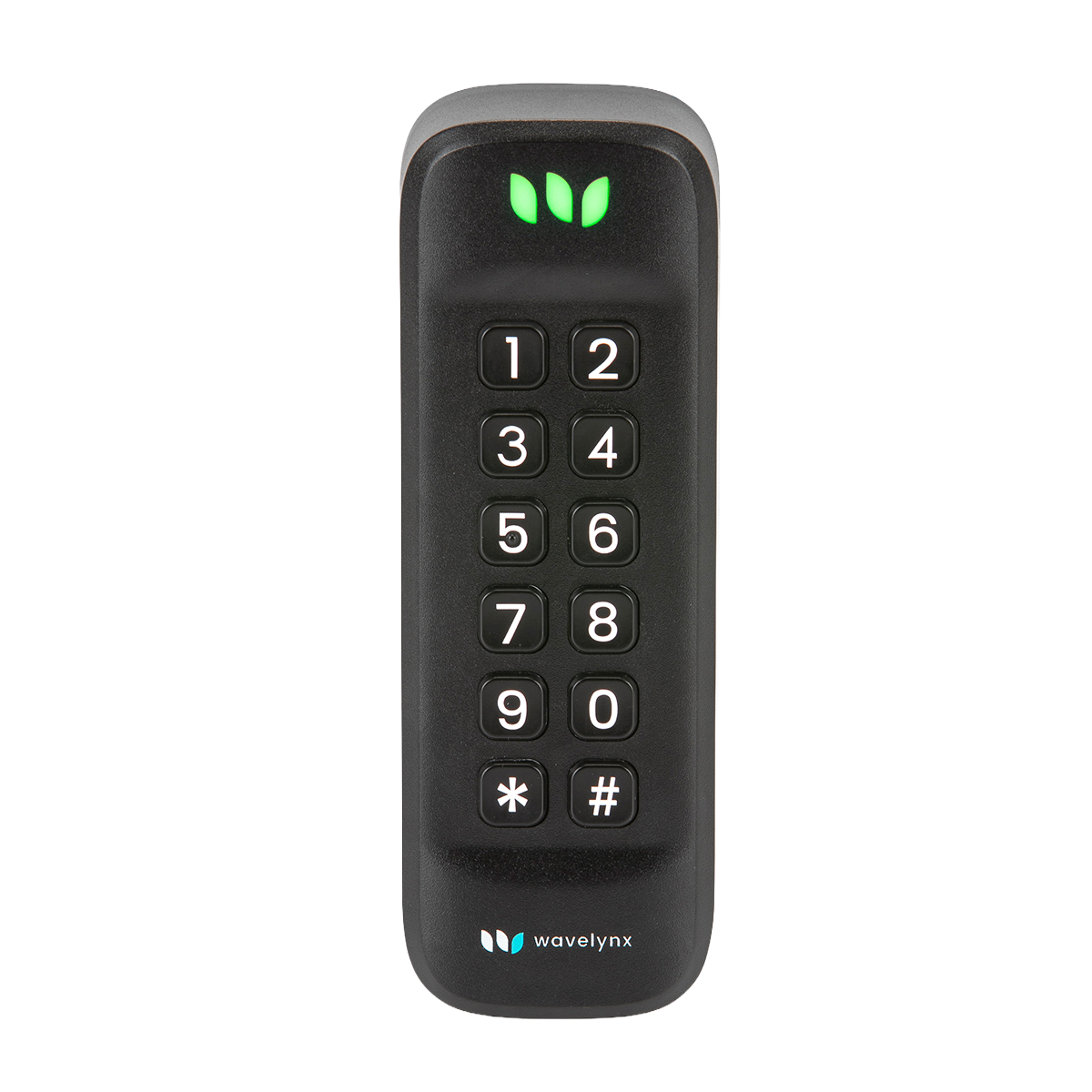
Access control readers
Secure, multi-technology readers designed for modern authentication.
Secure, multi-technology readers designed for modern authentication.
Support for Wavelynx projects Before, during and after installation.
Planning a project using Wavelynx?
CIE offers a full range of added-value services that go beyond traditional distribution, helping you save time reduce risk and deliver the best possible results for your customers.
Find out more about how we can support you today
Learn more
from our
experts.