PhoneEmailLocationLinkedInFacebookInstagramYouTube
Are you looking for something specific?
Phone

Or simply give us a call on: +44 (0)115 9770075

2N IP Style intercom with mobile QR code access
Do you need help with a project?
Phone

Or simply give us a call on: +44 (0)115 9770075

Akuvox Indoor Panels – How to connect Wifi

Akuvox Indoor Panels – How to connect Wifi

Akuvox indoor answering panels which feature the suffix ‘W’ in the part number confirms that this particular model features wifi connectivity. Wifi connectivity of your intercom answering panel allows the device to be added to the network without the need for a hard-wired ethernet cable connection.

How to connect Akuvox indoor monitor to a wifi network:

  • Go to ‘Settings’ / ‘Advanced Settings’
  • System Code = 1 2 3 4 5 6 by default
  • Go to ‘Wifi’
  • Enable Wifi – which will search for any wifi connections nearby
  • Choose the required wifi network from the displayed list
  • Enter the relevant wifi password
  • Press ‘Done’ and the device will be connected to the wifi network


Need further help? Visit the Akuvox Support Hub for additional videos and HowTo guides.
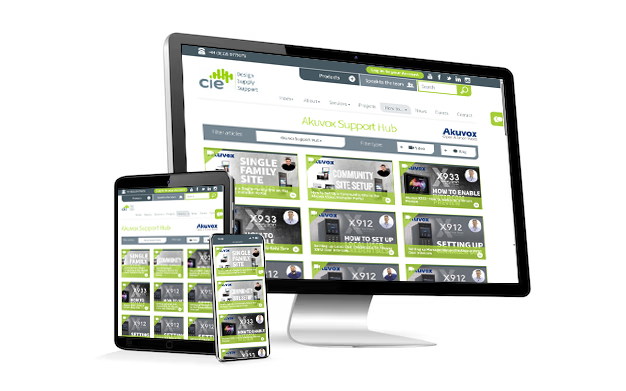
Akuvox Support Hub


Discover our brands with CIE Group

At CIE, we’re proud to be at the forefront of bringing brand solutions to the UK market.
Contact CIE-Group today; to find out how the brand ranges can be used in your next project:

    CIE-Group Ltd will use your details to respond to your enquiry. See our Privacy Policy.

    Read our other blogs

    The rise of 4G LTE Intercoms for Remote Access and Gate Automation

    4G LTE door intercoms offer wireless, remote access control without Ethernet cabling - ideal for gates and remote entry points. They simplify installation, enhance security and are ideal where wired-Ethernet systems are not viable.

    What is MIFARE DUOX and why is it the next big step for access control?

    Access credentials have moved from basic proximity cards that simply broadcast a number, to secure smart cards that can prove who they are, protect data and help keep buildings safer.

    Zigbee vs Matter: What’s the Difference and Which Should You Choose?

    Smart homes are meant to make life easier, but getting one set up can feel surprisingly complicated.
    © CIE Group Ltd. All rights reserved. made by bubble