


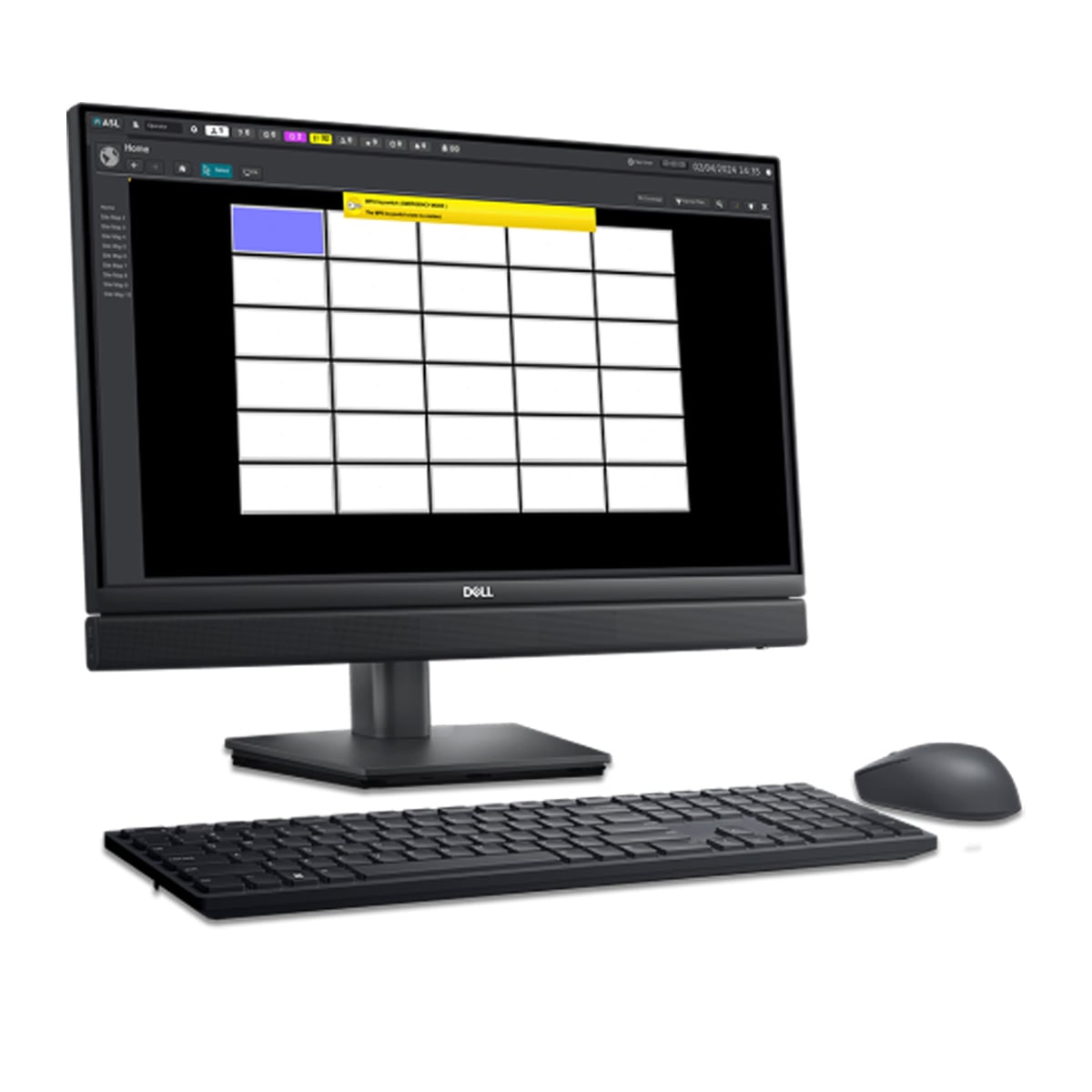
Touch Screen Workstation

The Zenitel VIPA-WS is a Linux-based touchscreen workstation for operators of Zenitel public address systems. It provides an accessible control and…

Features
- Linux-based touchscreen workstation
- Controls up to 384 PAVA zones
- Live paging with compatible MPS microphone
- Customisable zone buttons
- Graphical zone interface
- Message recording
- Stored announcement playback
- Daily, weekly and monthly schedules
- PAVA audio monitoring
- IP network connection
- Multiple workstations per system
- Non-emergency operator interface
Product Description
The Zenitel VIPA-WS is a Linux-based touchscreen workstation for operators of Zenitel public address systems. It provides an accessible control and supervision interface for routine paging, messages and equipment status without requiring operators to work at the audio router.
Main benefits and key functions
The graphical user interface supports up to 384 PAVA zones per workstation. Operators can use customised zone buttons or a graphical layout to select destinations. Live paging works with a compatible Zenitel MPS desk microphone. Stored announcements can be recorded, managed, played and scheduled for daily, weekly or monthly broadcasts. Clear on-screen controls help operators select zones deliberately and understand the current PA activity. The workstation is the operator interface; it works with the connected Zenitel public address system.
Typical applications
The workstation is well suited to transport facilities, large commercial buildings and sites with frequent operational announcements. Its clear zone presentation and monitoring functions help staff select the right area, check current broadcast activity and review system conditions as part of daily operations. Zenitel identifies the interface as non-emergency control and monitoring.
Connectivity and installation
VIPA-WS connects to IP-enabled Zenitel PA equipment over standard IP networking. The hardware and software are supplied as a pre-configured combination, reducing the need to assemble a workstation solution from separate parts. Multiple workstations can be used with one PAVA system where required.
Specification and purchasing guidance
For installers and specifiers, the VIPA-WS should be matched to the host equipment, cabling and operating conditions shown on the project drawings. Keep the model number in the system schedule so future maintenance teams can identify the correct version. Check any optional accessories separately rather than assuming they are supplied with the base product.
Summary
The Zenitel VIPA-WS offers a focused solution for its documented role. Its main strengths are the specific functions and compatibility described above, making it a practical choice when those requirements are part of the installation. Order the exact version that matches the system design.
Specification
Downloads
Are you looking for more information on this product?

Related accessories and products...
Alternative products...
Speak to a member of our team
today!
We would be happy to answer any of your questions and help you to get to know the Indoor Touch 2.0 Touchscreen Digital Intercom Answering Panel.
If you would prefer, simply give us a call on: