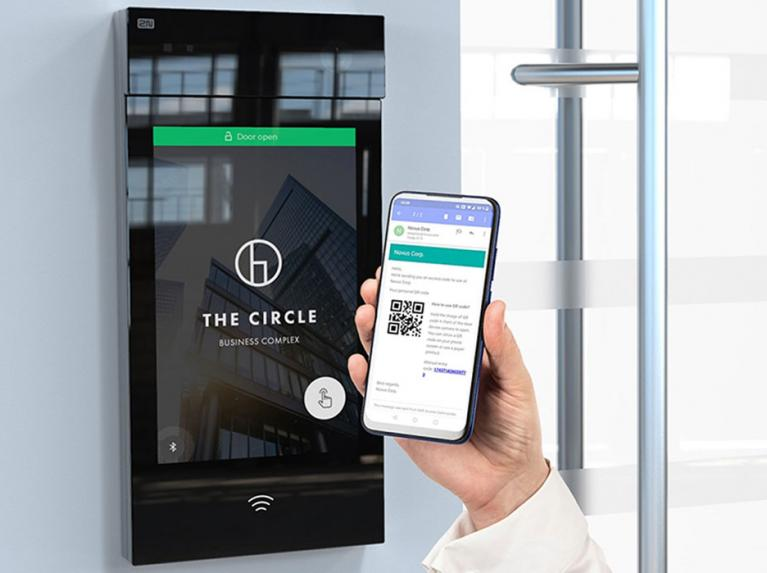
With the introduction of Event Trigger Rules, Smart Access can respond automatically when a particular access-control event occurs. Instead of just recording an event, Smart Access can automatically respond. That could mean notifying an administrator after an invalid access attempt, activating a relay when a break-in alarm occurs, or changing the state of selected doors during an emergency.
It turns access control from something that primarily manages credentials and records activity into a system that can also react to what is happening.
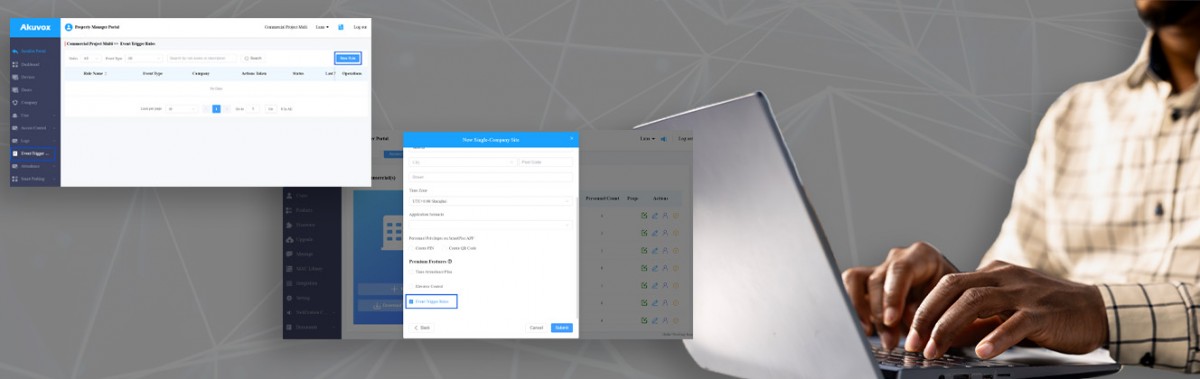
What are Akuvox Event Trigger Rules?
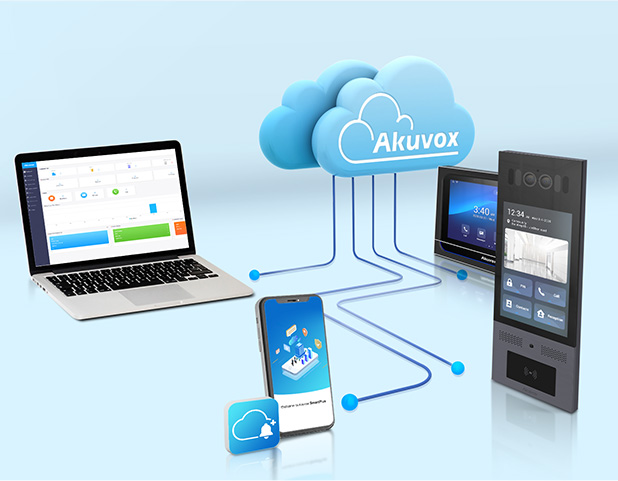
Event Trigger Rules are an automation feature within the Akuvox Smart Access Cloud.
A rule connects an access-control event with one or more actions. In simple terms, it works like:
When this happens → automatically do this.
Akuvox currently supports actions including email notifications, SmartPlus App push notifications, third-party HTTP API calls using webhooks, relay activation and door-control actions such as opening doors or putting them into lockdown. A single rule can contain up to five actions.
This means Event Trigger Rules can be used for much more than basic alerting.
Why are Event Trigger Rules useful?
 The main advantage is simple:
Important events can produce an automatic response without relying on someone constantly monitoring the access-control system.
Consider an invalid access attempt at a restricted door. Recording the event is useful, but notifying the right person automatically can make that information much more valuable.
Akuvox also provides emergency-related actions. Depending on the rule being created, Smart Access can open selected doors, place doors into lockdown, release a lockdown or hold doors open. The result is a more responsive approach to access control, where information from the system can become the starting point for an automated security workflow.
What can trigger an automated action?
Akuvox supports a wide range of events within Event Trigger Rules.
These include door-status events, access events, alarm events, emergency scenarios and selected device or input events. This flexibility allows organisations to create rules around the events that matter most to a particular building rather than applying the same response everywhere.
Akuvox allows up to five actions within one Event Trigger Rule, making it possible for a single event to start several responses rather than just one.
Who could benefit from Akuvox Event Trigger Rules?
Event Trigger Rules are particularly relevant to commercial sites using Akuvox Smart Access, especially where administrators or security teams need to know about important access events quickly.
That could include offices, education sites, healthcare environments, warehouses, multi-tenant commercial buildings and other premises where different doors, users and security situations may require different responses.
For building and security administrators, the feature can reduce the need to manually watch event information and help important incidents reach the appropriate people.
For installers and system integrators, it adds another layer to what can be designed around an Akuvox deployment. An access-control event can now become the trigger for notifications, physical relay actions, door behaviour or communication with another compatible platform.
For organisations with more complex security procedures, Event Trigger Rules can therefore help turn those procedures into repeatable workflows.
Webhooks are useful for integrators because they allow Smart Access to send event information to compatible third-party systems, helping different security or building systems work together.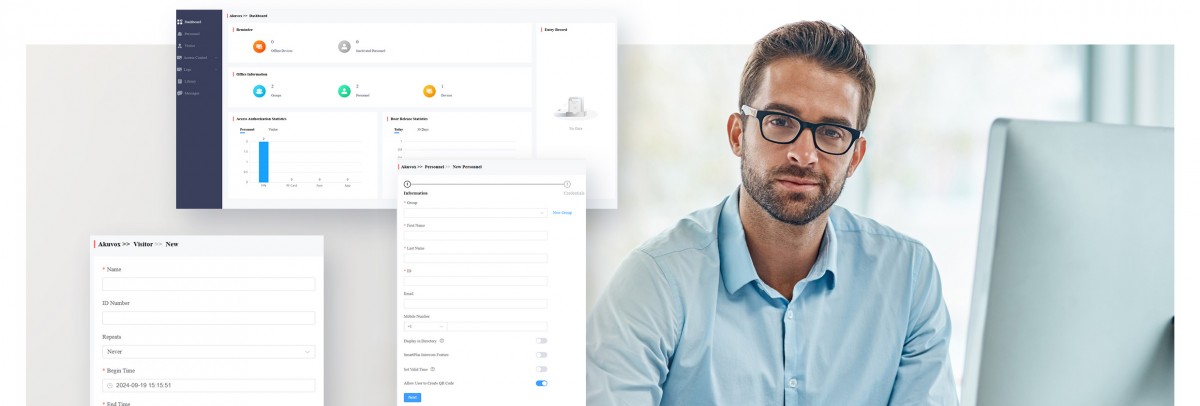
An important step towards automated access control
Event Trigger Rules may look like a relatively simple addition, but they change what Smart Access can do with the information an access-control system already produces.
- A failed entry attempt no longer has to be only a record in a log.
- A break-in alarm can start another action.
- An emergency event can initiate a predefined door response.
- A Smart Access event can be passed to another compatible system through a webhook.
That moves Akuvox Smart Access further beyond straightforward credential and door management and towards event-driven access-control automation.
For installers, integrators and commercial users, the value is in being able to decide not just who has access, but also what should happen when something important occurs.
As more building systems become connected, that ability to automatically turn events into actions could become an increasingly useful part of designing responsive and manageable security systems.
Let the CIE system design team help with your next access control project
For more information on the new Akuvox event trigger rules, contact CIE-Group today and enhance your organisation's infrastructure; please call the team on T. 0115 9770075 or email [email protected]