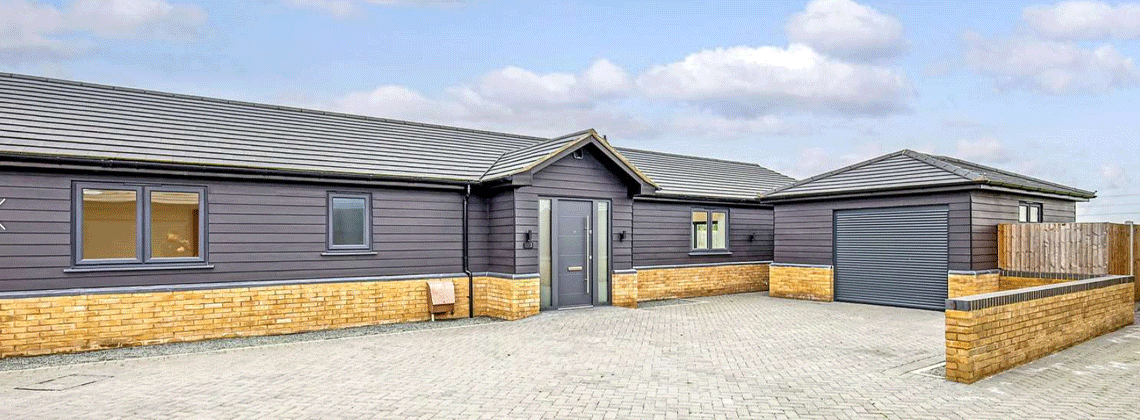
Akuvox Intercom & Access Control Systems
A pioneer in smart intercoms and access control, combining AI-driven technology, cloud connectivity and intuitive design to deliver intelligent seamless building access solutions.

Smart access designed around your project.
Akuvox develops smart intercom and access control technology designed to bring together secure building access, intelligent communication and greater convenience for users across residential and commercial environments.
The Akuvox range includes IP door phones, touchscreen indoor monitors, access control systems, 2-wire intercom solutions and software platforms. Combining technologies such as SIP, Android, AI and cloud connectivity. Akuvox provides flexible solutions for modern buildings, from individual properties through to larger multi-site applications.
As the UK’s exclusive distributor and stockist for Akuvox, CIE supports installers and integrators with product selection, system design and technical expertise, helping specify and deliver reliable solutions for projects of all sizes.
Seamless communication, smarter control
- Multi-dwelling units (MDUs)
- Universities and school campuses
- Commercial buildings and offices
- Secure and controlled environments
- Residential developments
All Akuvox devices are built around IP-based communication, making it easy to integrate with access control, CCTV, and wider building management systems.
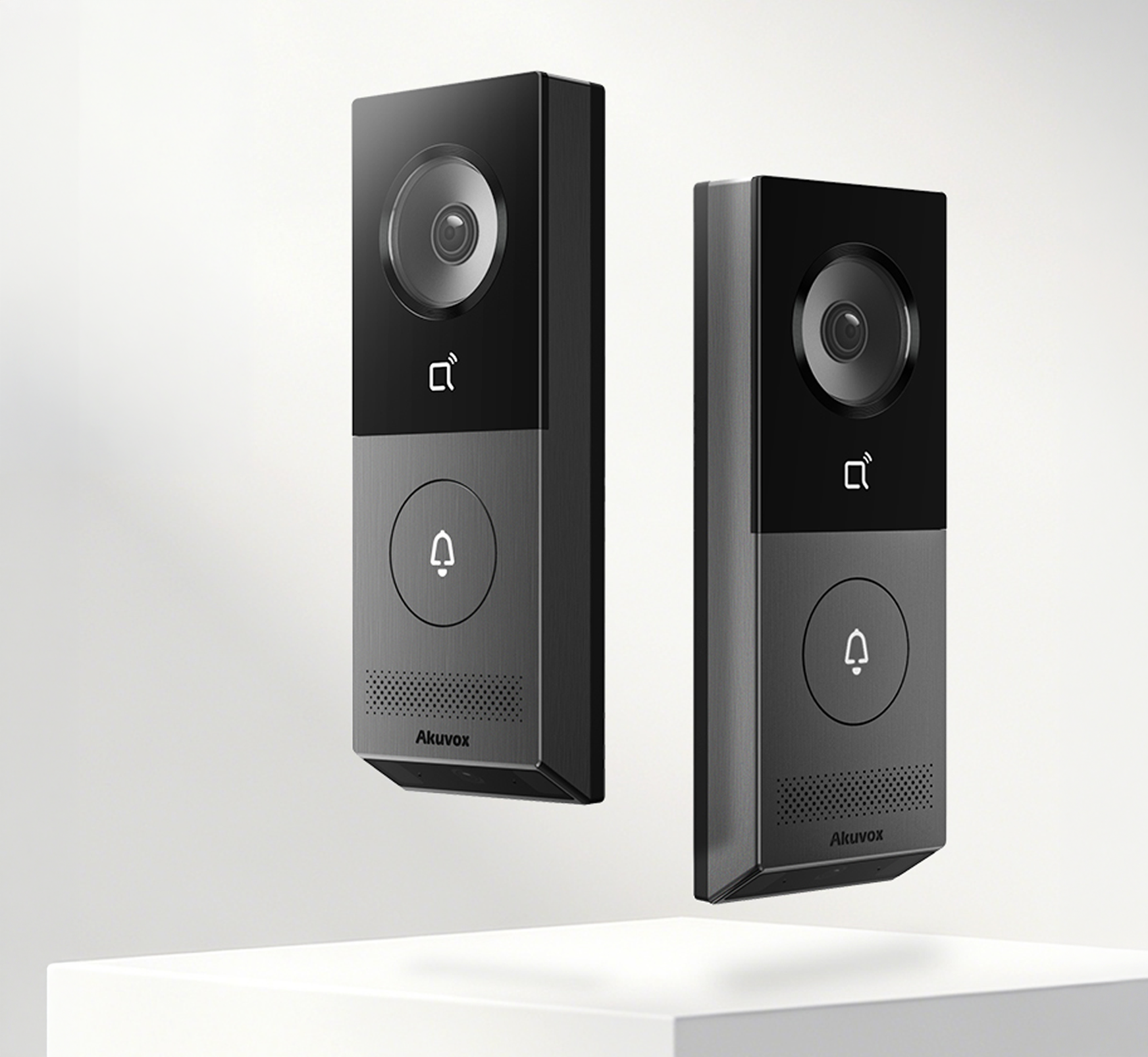
The complete Akuvox range.
As the main Akuvox UK distributor, CIE stocks the full range of access control products for fast supply.
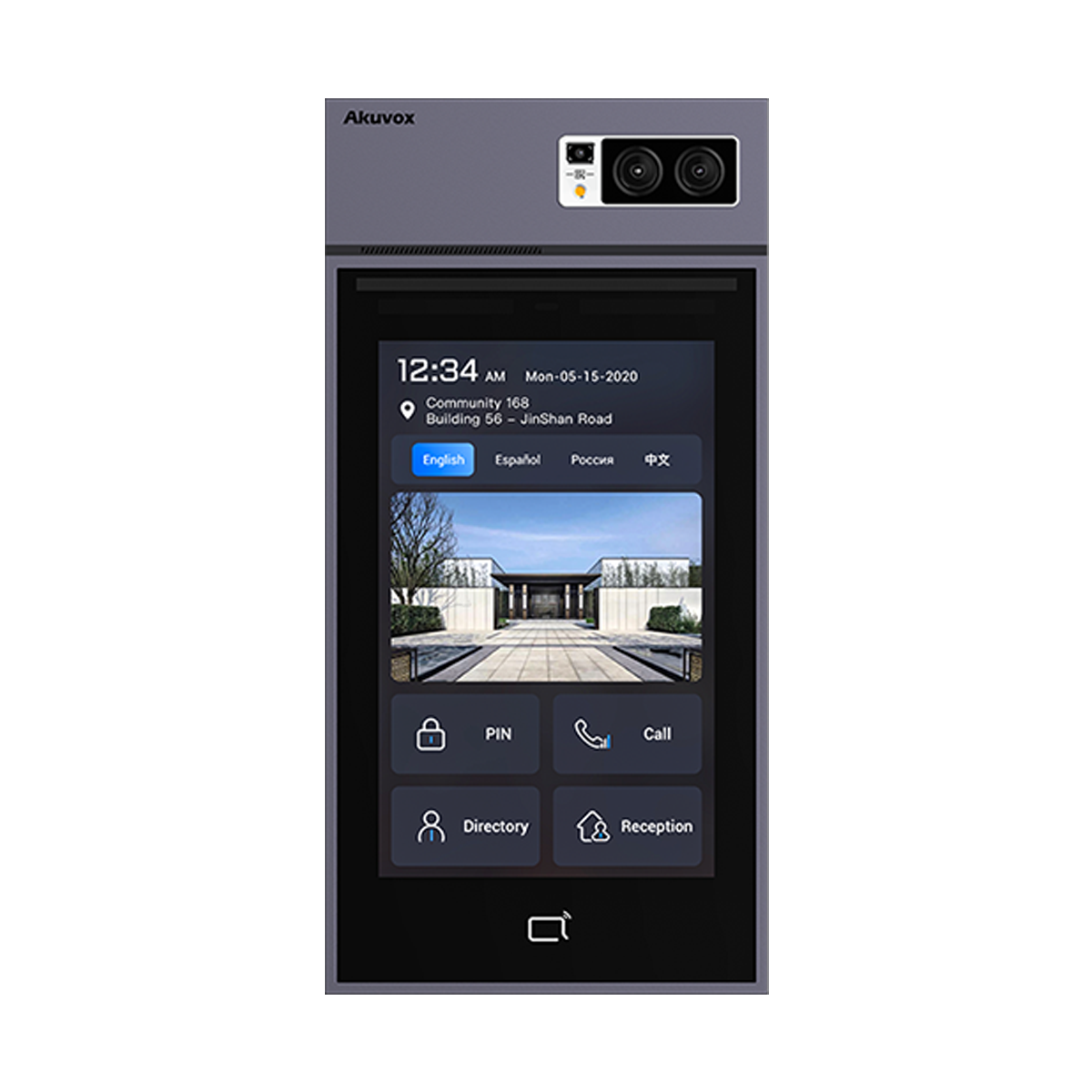
Intercoms
Secure door intercoms designed for clear communication at building entrances.
Secure door intercoms designed for clear communication at building entrances.
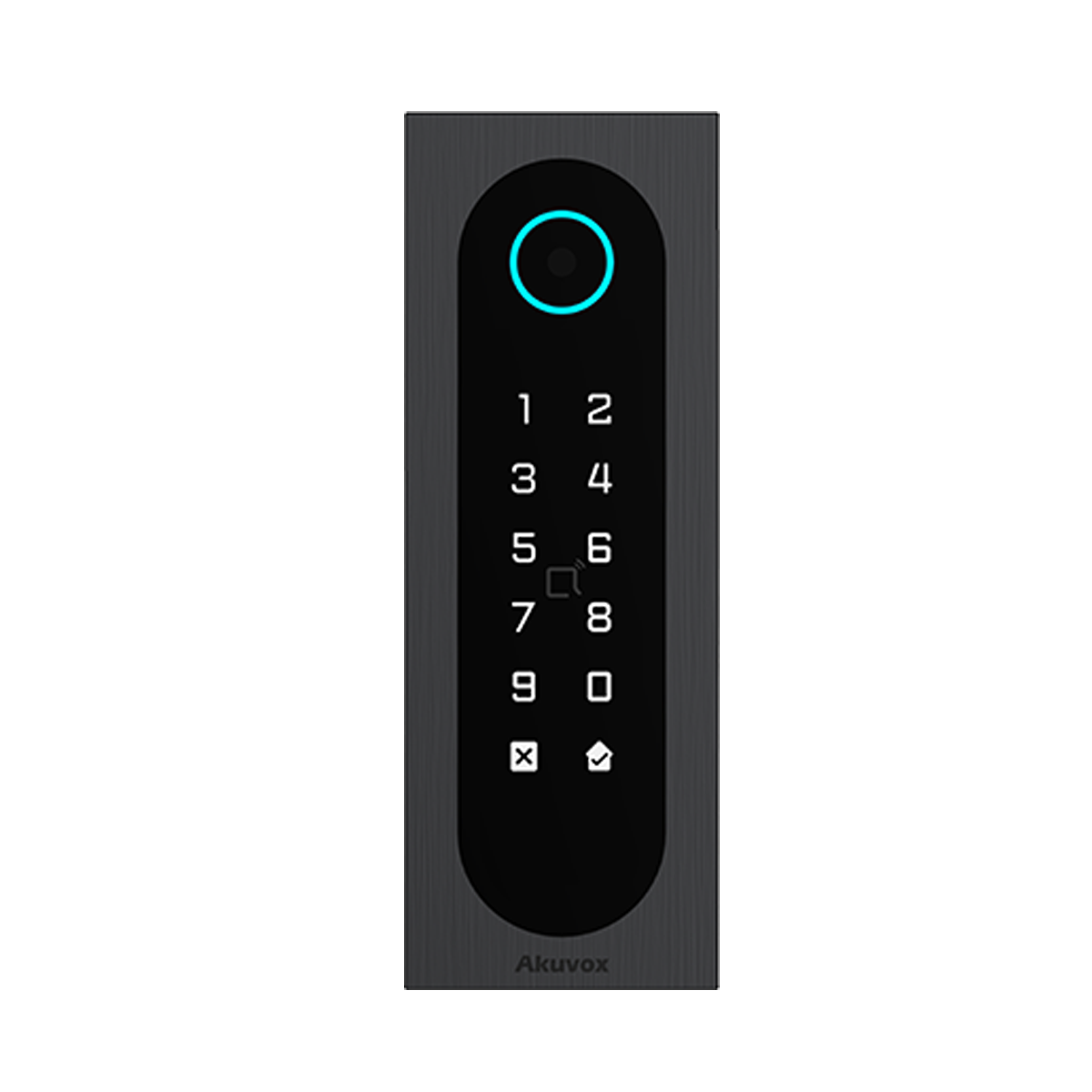
Access Control
Manage building access with a range of authentication options.
Manage building access with a range of authentication options, including RFID.
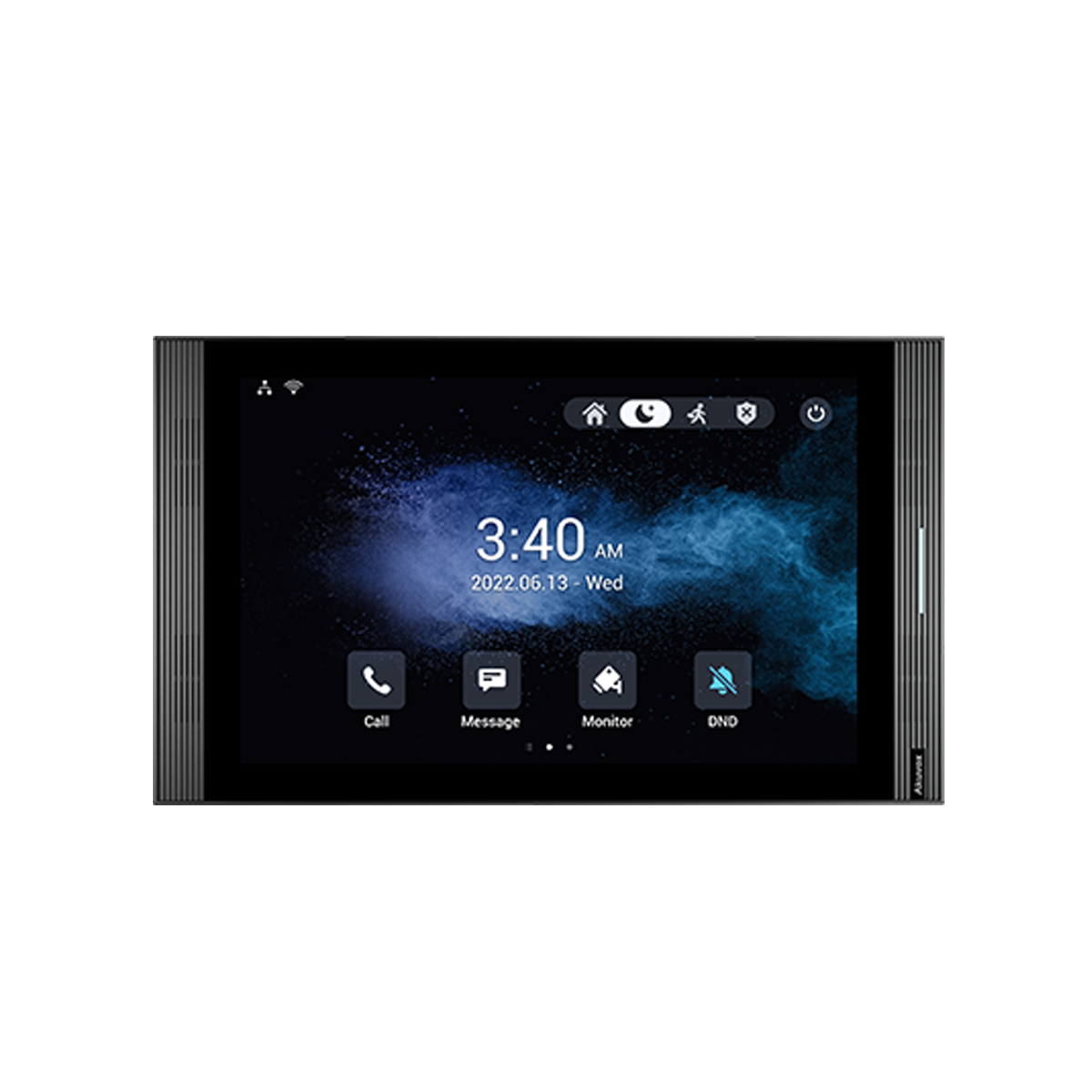
Answering Units
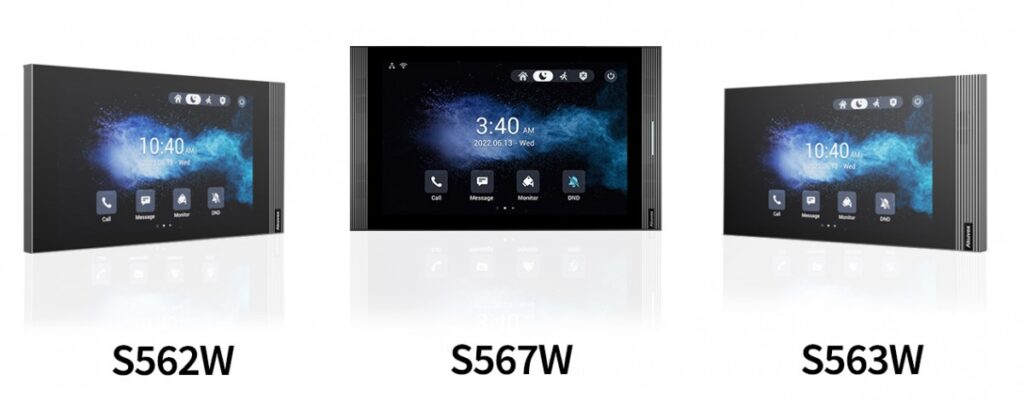
Indoor monitors and answering panels with simple, user-friendly interfaces.
Indoor monitors and answering panels with simple, user-friendly interfaces.
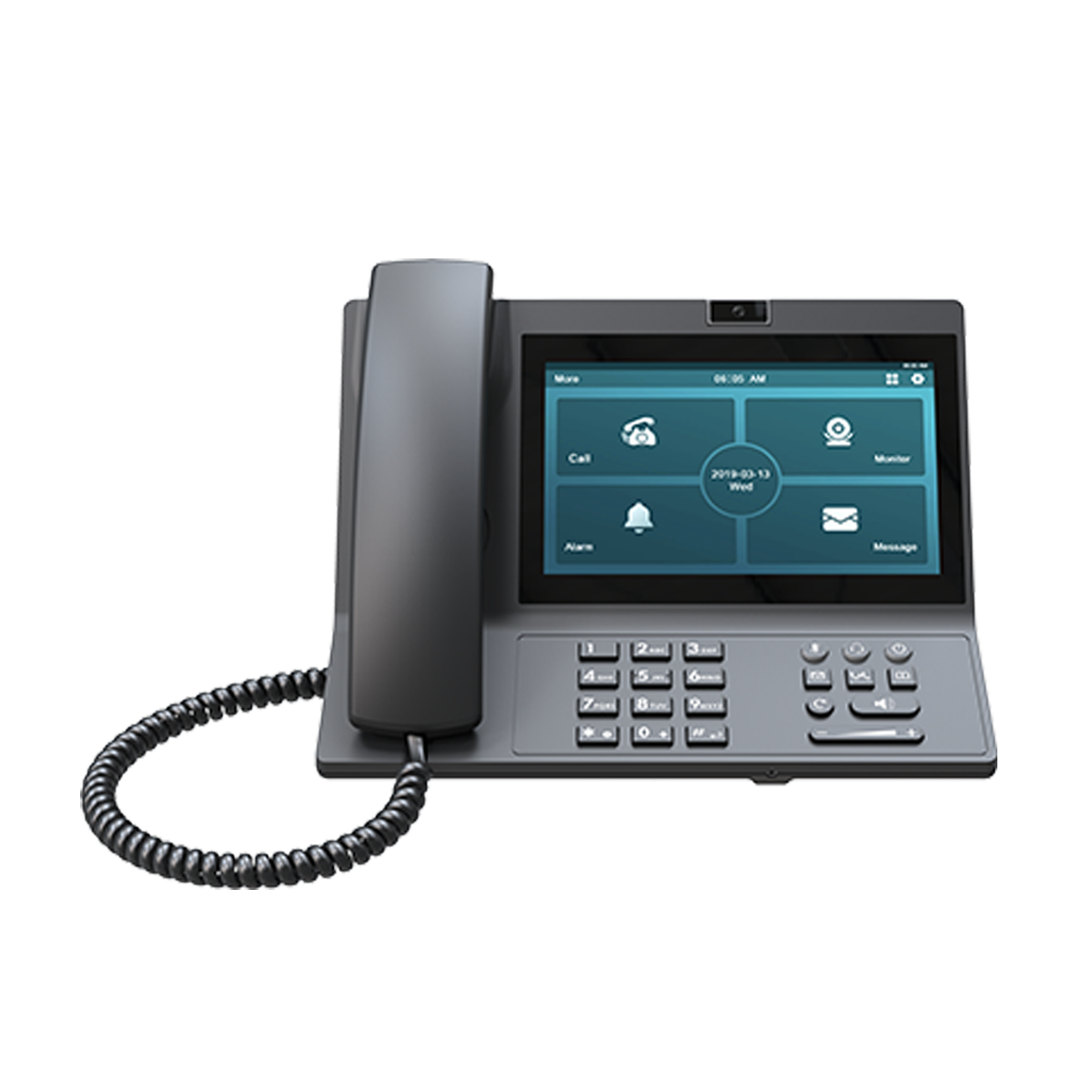
Professional IP phones for clear communication over IP networks.
Support for Akuvox projects.
Before, during and after installation.
Planning a project using Akuvox intercom or access control systems?
CIE offers a full range of added-value services that go beyond traditional distribution, helping you save time reduce risk and deliver the best possible results for your customers.
Find out more about how we can support you today
Learn more
from our
experts.
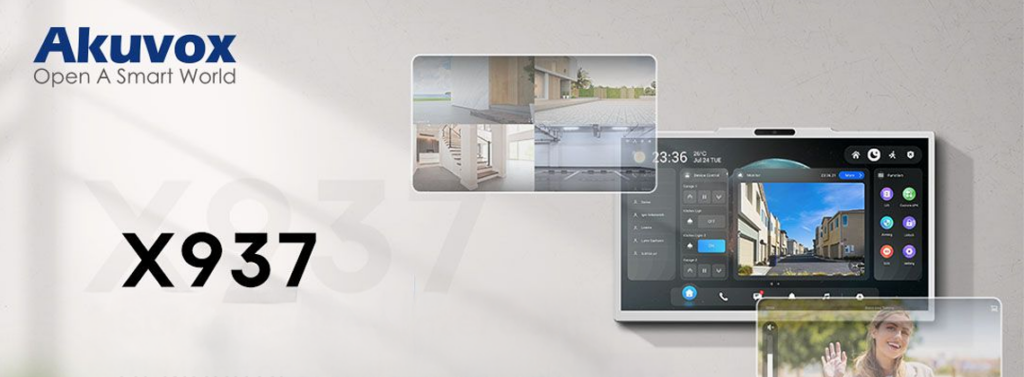
Akuvox AKClaw Panel combines LLM intelligence, Android 14 and NVR integration in a 15.6-inch smart intercom interface.

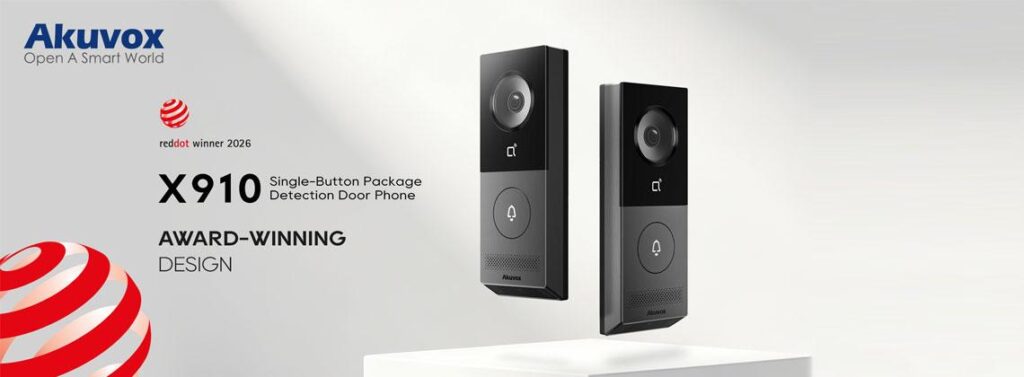
Akuvox X910 wins Red Dot Award 2026 for groundbreaking smart intercom design.
Akuvox projects